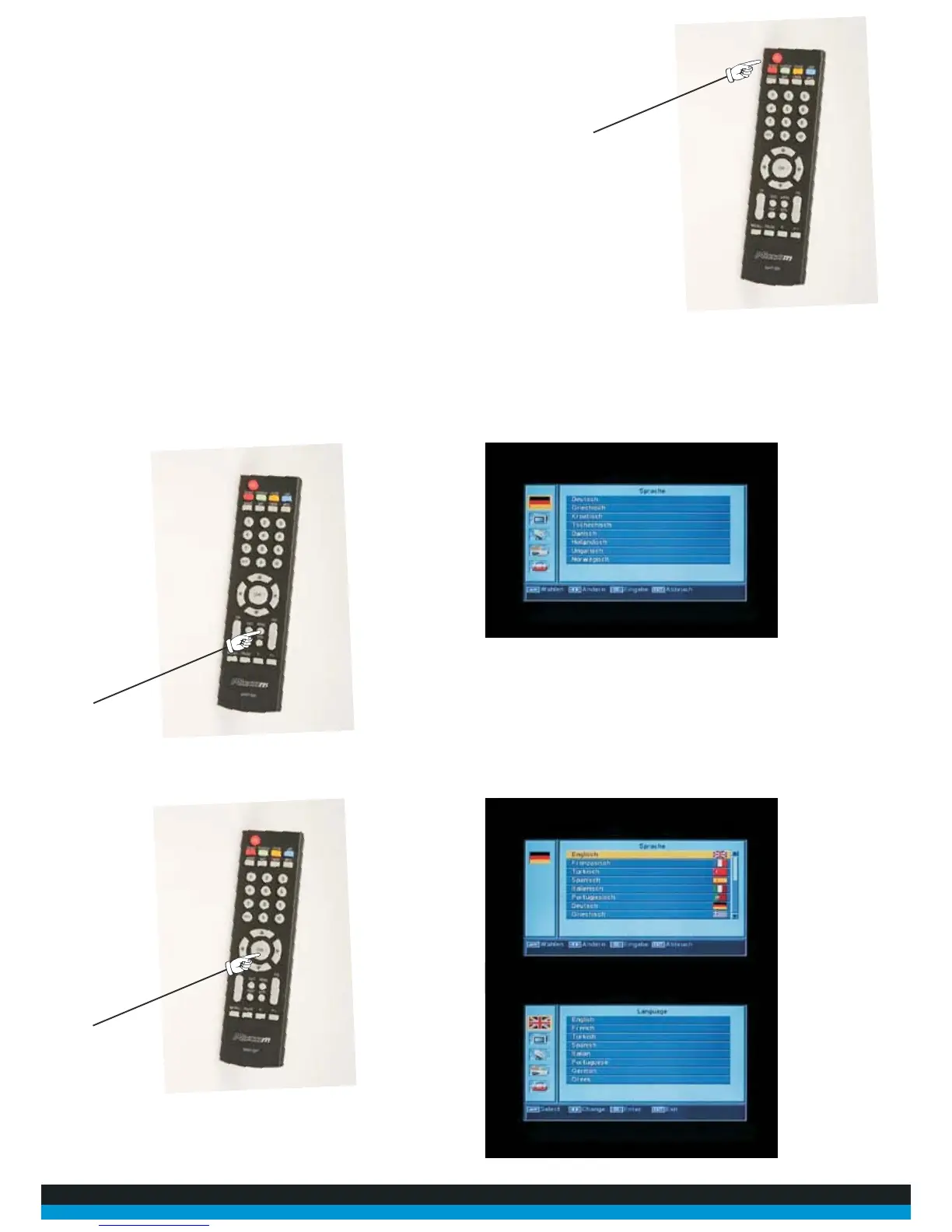
9. Switch on receiver and TV and select correct AV input on your TV
10. Push the “menu” button your remote control, you should now see the screen as illustrated below:
6. Connect your TV to receiver using the provided scart
lead
Tuning in the System
Lead Connection
7. Connect the coaxial cable to the LNB and to the receiver LNB Input
8. Connect the power leads to the reciever and to your TV
11. Using the up and down arrows on your remote control highlight the flag at the top left of your
screen and push “OK” on your remote control. Then select “English” and press “OK”



 To Next Page