22
2. Press the [FUNC] + [BANK] key to enter MUTE mode.
3. Press any of the [TRIG] keys to mute the corresponding track. Press again to un-
mute. The color of the [TRIG] keys indicates the mute status. Unlit keys are muted
tracks. Green keys are active tracks.
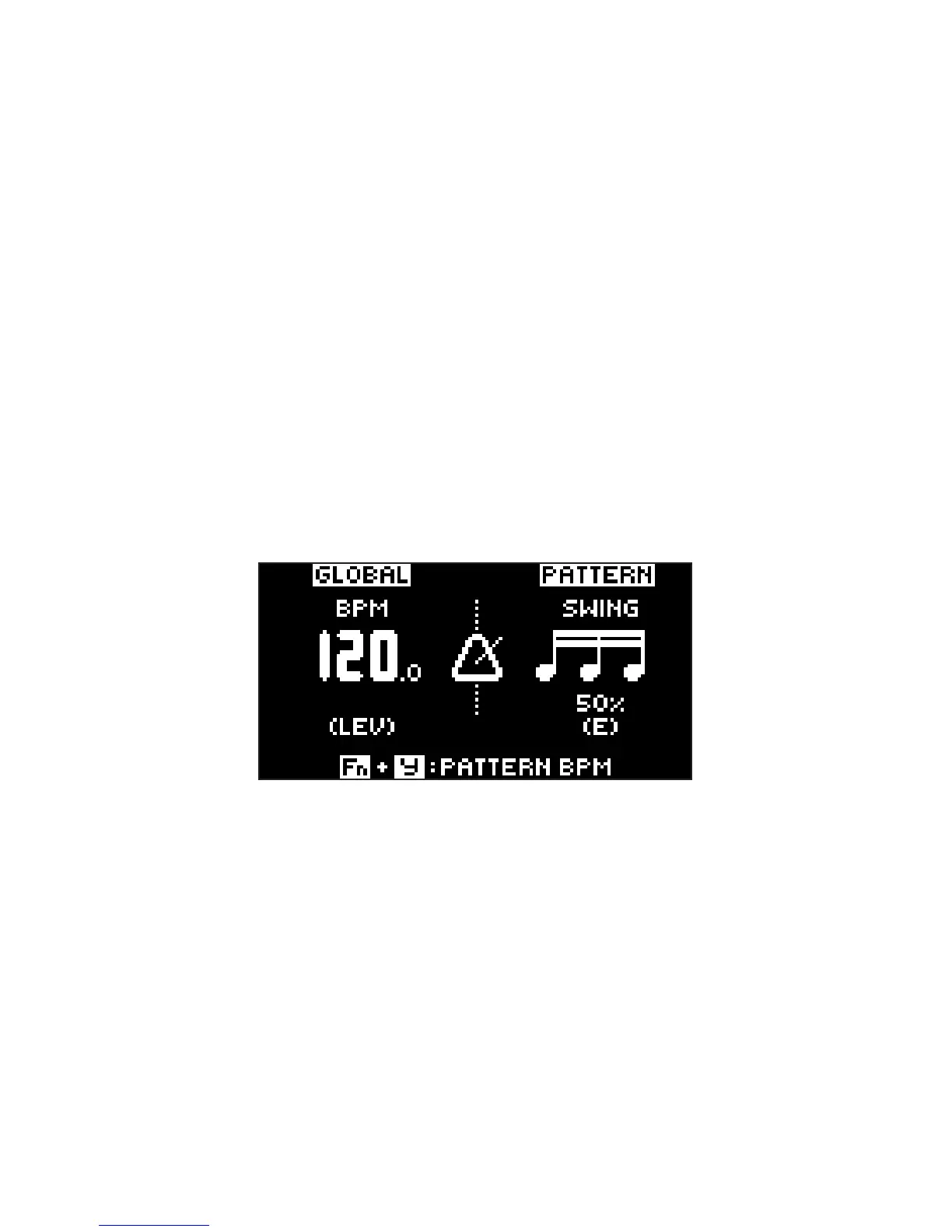
5.4 TEMPO
To change the BPM setting, open the TEMPO menu by pressing the [TEMPO] key. Use
the LEVEL/DATA knob to change tempo. Pressing the knob while turning it changes
the tempo eight BPM at a time. The [ARROW] keys [UP] or [DOWN] change the tempo
in fractional steps. Note that you can set both a tempo and a separate tempo for every
pattern. On the main interface screen, press and hold [ARROW] keys [LEFT] or [RIGHT]
to nudge the tempo 10% up or down temporarily. Release the key to revert to the original
tempo.



 To Next Page