Command line:
Learn the ropes
Get to grips with your Raspberry Pi’s
command line interface and unleash its
full power without using themouse.
As you have no doubt discovered, Raspbian has a graphical
interface similar to that of Windows or Mac OS X.
You can do most of your day-to-day
tasks in this interface. There’s a file
manager, web browser, text editor and
many other useful applications. However,
sometimes you need an interface that’s a
bit more powerful, and this is where the
command line interface (CLI) comes in.
It’s also known as the terminal or shell.
This is an entirely text-based interface,
where you type in commands and
get a response. We won’t lie to you:
it will seem confusing at first. Don’t
worry, though – once you’ve had a bit
of practice, it will start to make sense,
and spending a little time learning it
now will pay dividends in the future.
■
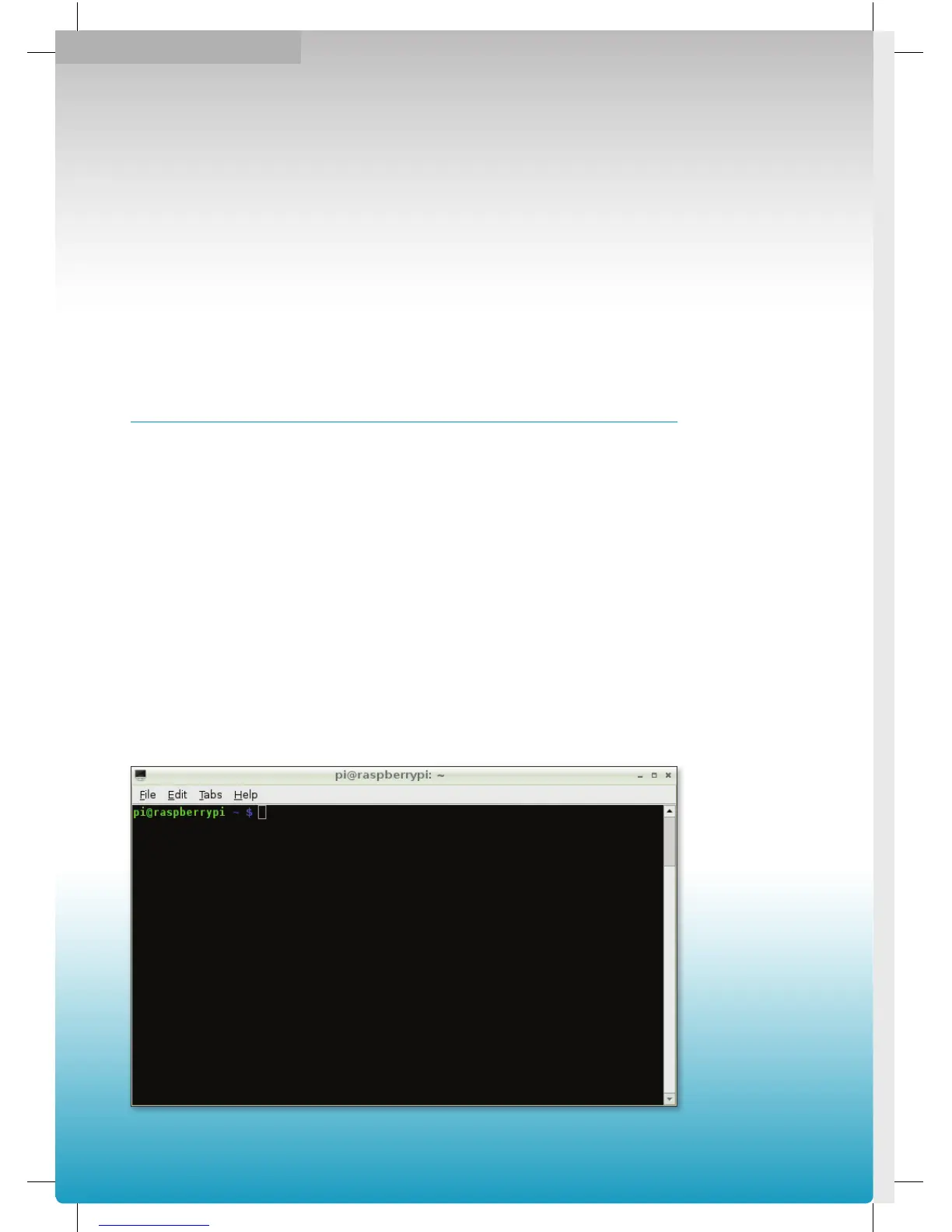
LXTerminal running
on the Raspbian
desktop.
10
Raspberry Pi User Guide.indd 10 08/07/2014 14:44


 To Next Page