QUICK START GUIDE
9
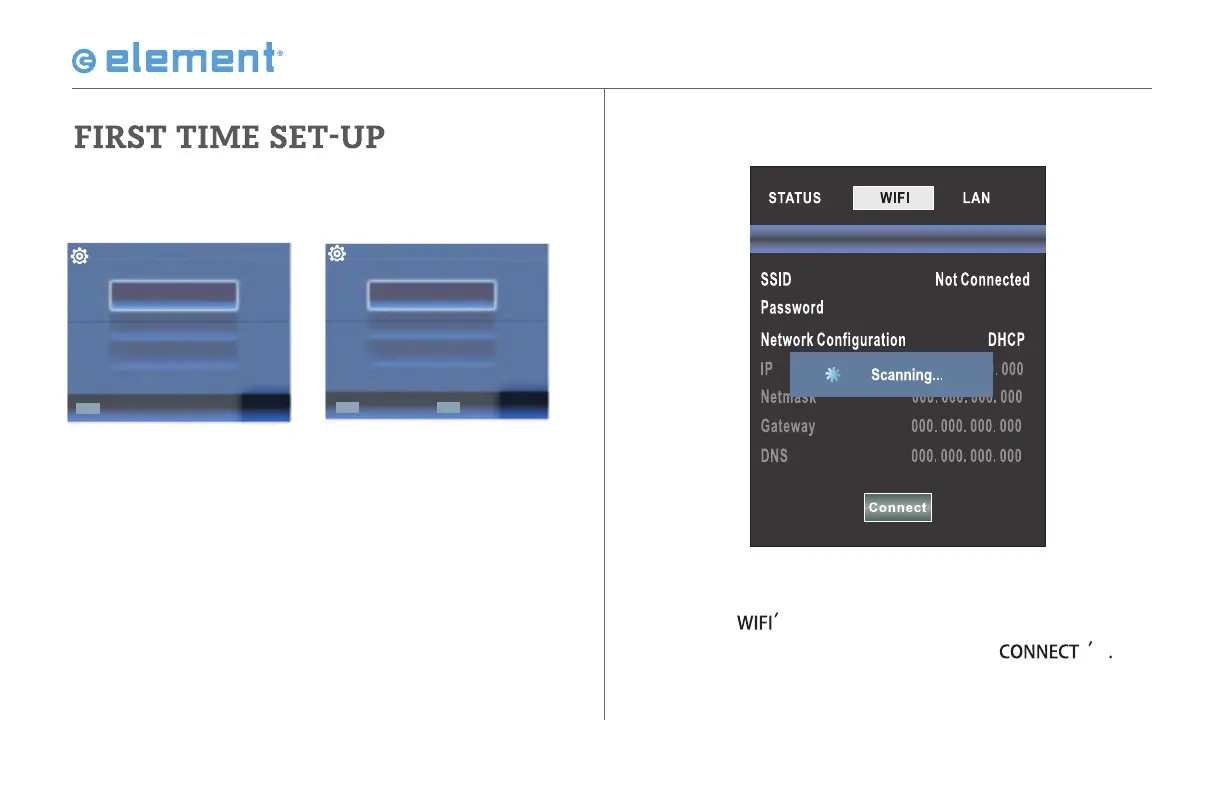
6. Use the arrow buttons on the remote to
highlight 'Do you want to set Network?' and
press YES. On the next menu, select 'WIFI' and
press OK.
7. Select ‘
to see available networks, then
select the desired one and press ‘
Scan Network
OSD language
Config Menu language.
ENTER
Select
English
French
Español
Time Zone
Select the time zone.
Eastern
Central
Pacific
ENTER
Select
BACK
Return



 To Next Page