9
USB Operation
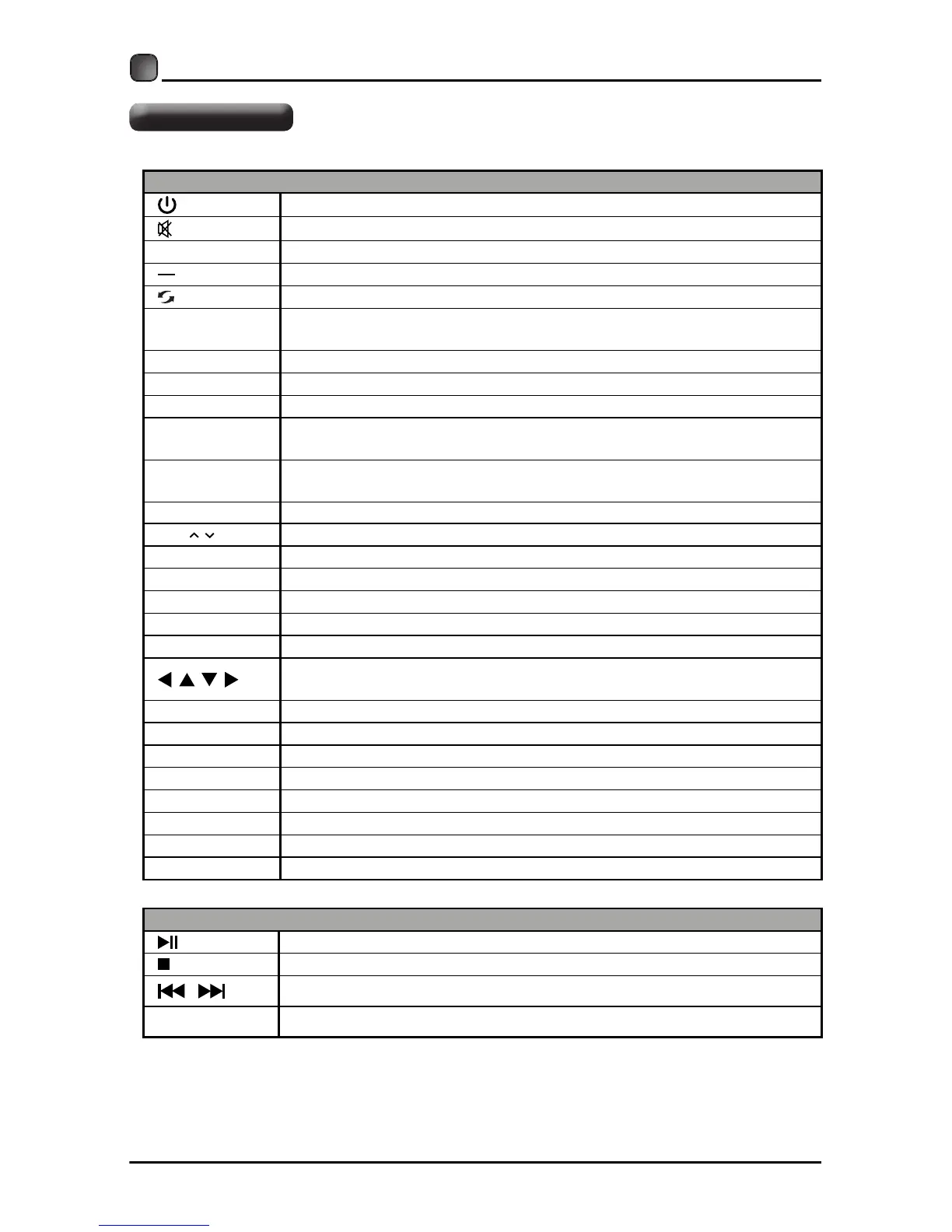
Press to pause or resume the playback.
Press to stop the playback and clear the existing memory.
/
Press to skip between chapters.
REPEAT
PREPARATIONS
Press repeatedly to select the repeat mode.
Remote Control
TV Operation
Switch the TV between on and standby mode.
Mute and restore your TV sound.
0~9 Select a program (ATV/DTV mode)
Enter multiple program channel number , such as 2-1.
Return to previous viewing channel.
P.MODE
Select picture mode: Dynamic/Movie/Natural/User/Standard/
Energy
Saving
.
S.MODE Select sound mode: Standard/Music/Movie/User.
MTS Switch among different audio channels: STEREO/MONO/SAP.
SLEEP
Set the
TV sleep timer:off/5/10…/180/240min.
SOURCE
Select among the different input signal sources: TV/AV/Component/
HDMI1/HDMI2/HDMI3/VGA/USB.
INFO
Display the present screen information such as the current channel
and input source.
CH / Select a channel.
VOL+/- Adjust the volume.
FREEZE Freeze the picture.
CH.LIST Display program list.
AUTO Automatically adjust the Horizontal/Vertical position in PC (VGA) mode.
ASPECT Select the aspect ratio settings:Normal/Wide/Zoom/Cinema/Just scan.
Allows you to navigate the OSD menus and adjust the system settings
to your preference.
OK Confirm the selection in the OSD 'on screen display' menus.
MENU Display the OSD 'on screen display' menu.
EXIT Exit the OSD 'on screen display' menu.
ADD/ERASE Add or delete Favorite channels.
FAV Display the favorite channel list.
USB Access into the USB directly.
CC Closed Caption selection: Off/On/CC on Mute.
V-CHIP Set up parental control.
RETURN
Return to previous menu.


 To Next Page