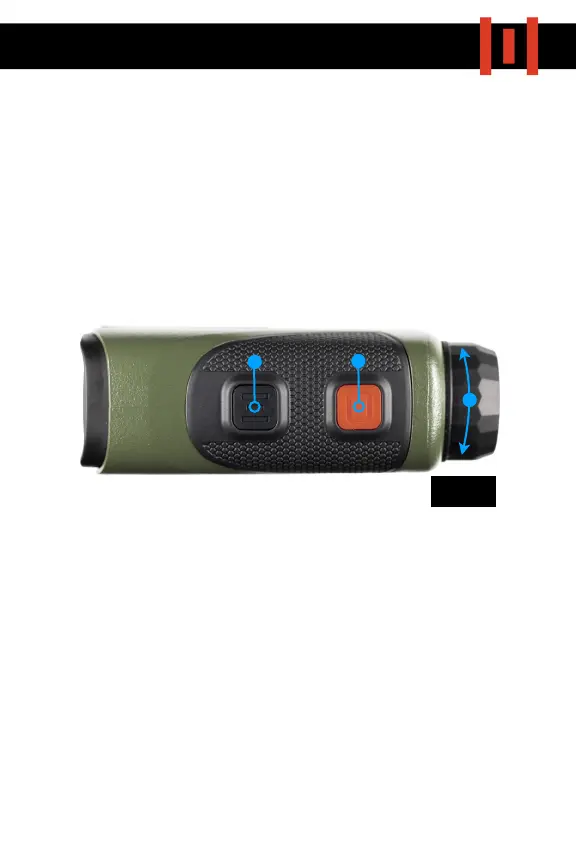
As with all optical devices, the HELIX 1500 will need to be adjusted to
your eye.
1) To start, hold the unit up to your eye and look through the eyepiece
towards a featureless background.
2) Then, switch on the display by pressing the red RANGE
button (Fig
2.1) and turn the diopter (Fig 2.2) until the display appears sharply in
focus.
3) Display Brightness can be adjusted by holding in the RANGE
button
and then pressing the black MODE button (Fig 2.3) to cycle through
the 6 brightness settings.
1



 To Next Page