Element-A, EA2 User Manual
www.elementalmachines.io
sales@elementalmachines.io
771-00008 rev 02 Element-A, EA2 User Manual
Copyright © 2020 Elemental Machines
Page 5 of 15
Installation Guide
What follows is the process we have found most streamlined for setting up the system. Many of the
steps below can be done in a different order if that fits your deployment better. But remember, if you
have any questions please do contact help@elementalmachines.io or your account representative:
• Prior to receiving the devices, you will receive an email for your dashboard account verification.
Save this email for when the devices arrive.
• When devices are shipped they will be added to your Elemental Insights dashboard with default
names. When you first log in you will see all of your devices with a 'disconnected' status.
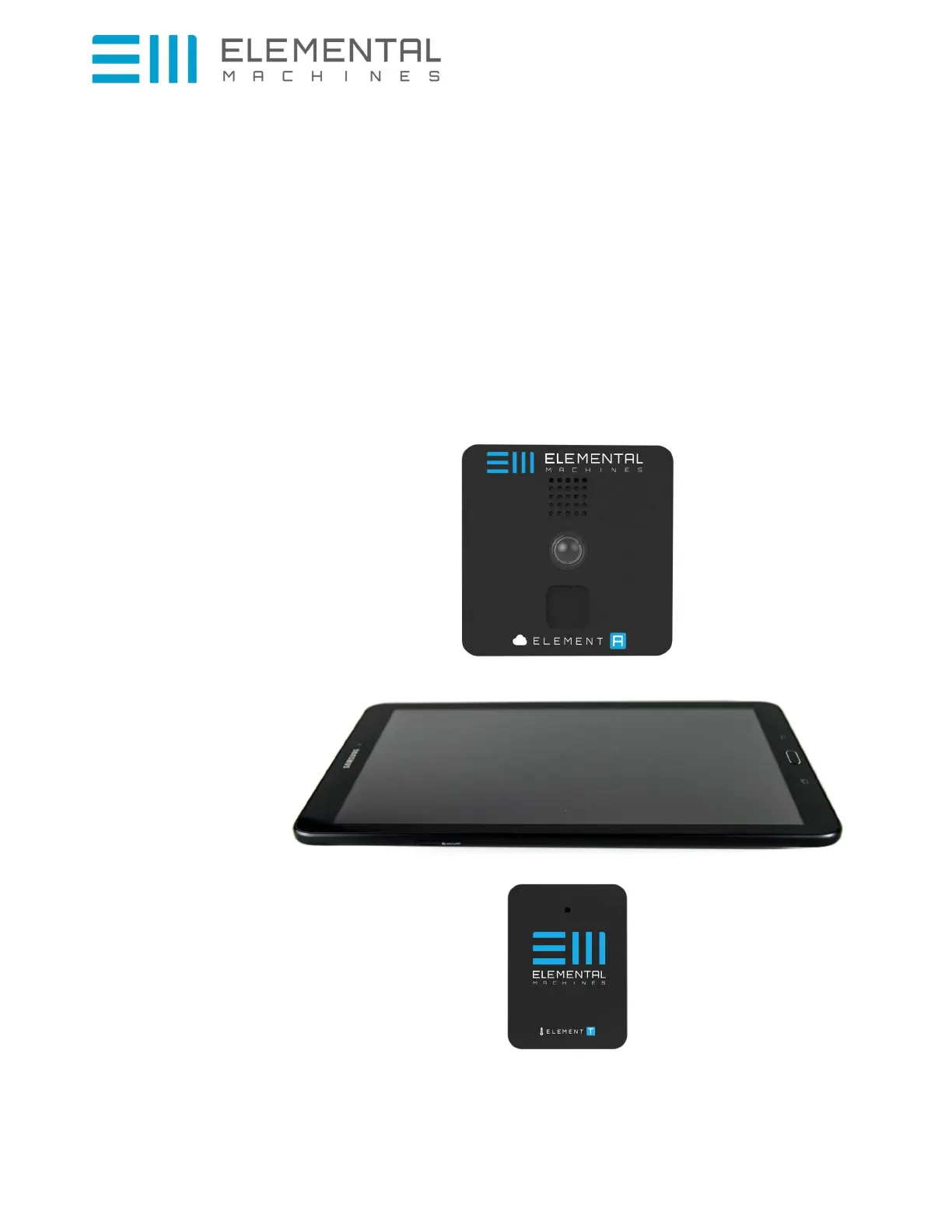
• When you open the box you will see several pieces of equipment, pictures are included here for
reference:
Element-A
Gateway
And possibly:
Element-T



 To Next Page