NORMAL OPERATION
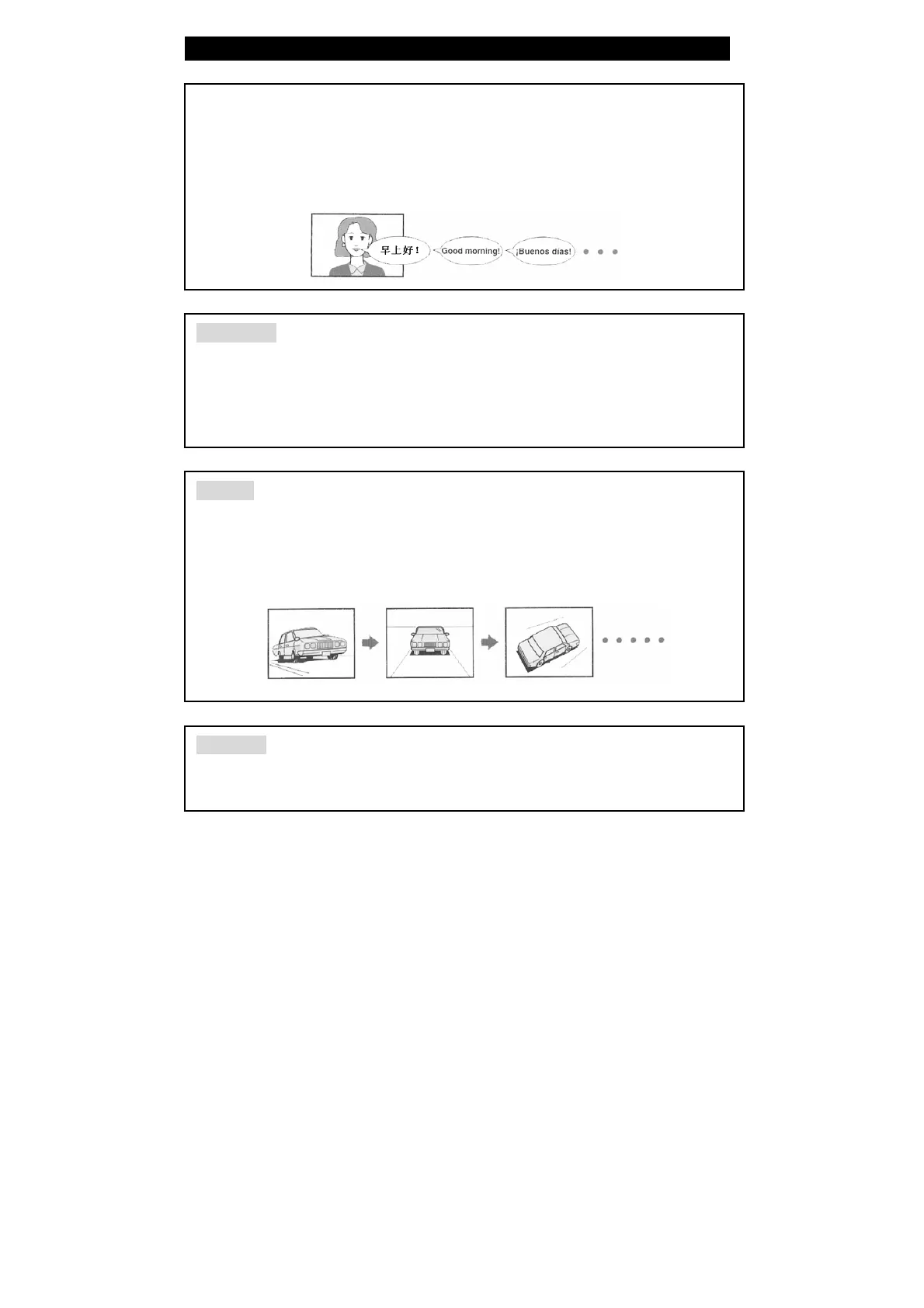
LANGUAGE
There are up to 8 kinds of audio languages in a DVD disc. When you play a
multi-language DVD disc, press the AUDIO button on remote control to select a
different audio language.
NOTE: This function is only available for discs that have several audio bitstreams.
SUBTITLE
he DVD player can support up to 32 kinds of subtitles. When you play a multi-subtitle
isc, press the SUBTITLE button on remote control to select different subtitle.
OTE: This function is only available for discs that several audio bitstreams have been
ecorded onto.
NGLE
The DVD player supports multi-angle function. Multi-angle means that a scene is shot
from more than one angle so that audience can watch from any angle. If there are
multiples in a scene, you can use the ANGLE button to select the angle you like to
enjoy. Press the ANGLE button continuously to view different angles.
OLUME
During playback, press the VOL+ button to increase the volume and press the VOL-
button to decrease the volume.
65



 To Next Page