System Setup
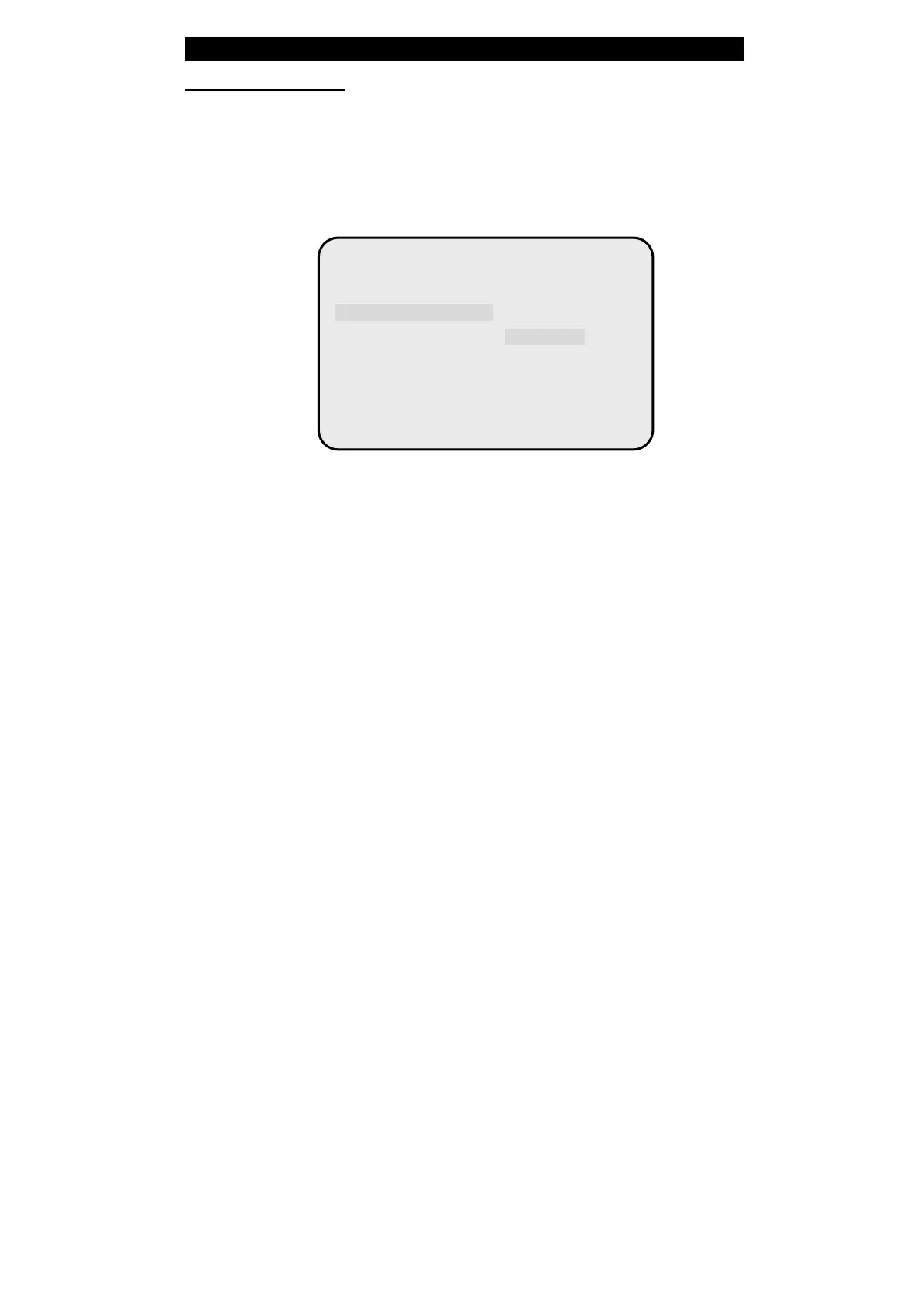
HDCD Setup Page
Press “W ” to back to the audio setting page menuˈand move Ÿǃź button to
choose “HDCD”, pressǏPlayǐto go into HDCD Setup Page menuˈthen
press “X” button to go into the right submenu.
Select Filter
In “ Audio Setup Page” menu, useŸ,ź button to move cursor choosing
“HDCD”ˈand press
“Play” to go into “HDCD Processing Page”˗Where you can choose the
corresponding frequency on the digital filterˈ“Off ” means CD format is
used.
- - HDCD Setup Page - -
Filter 2X Off
Filter
1X
2X
82



 To Next Page