4
Quick start
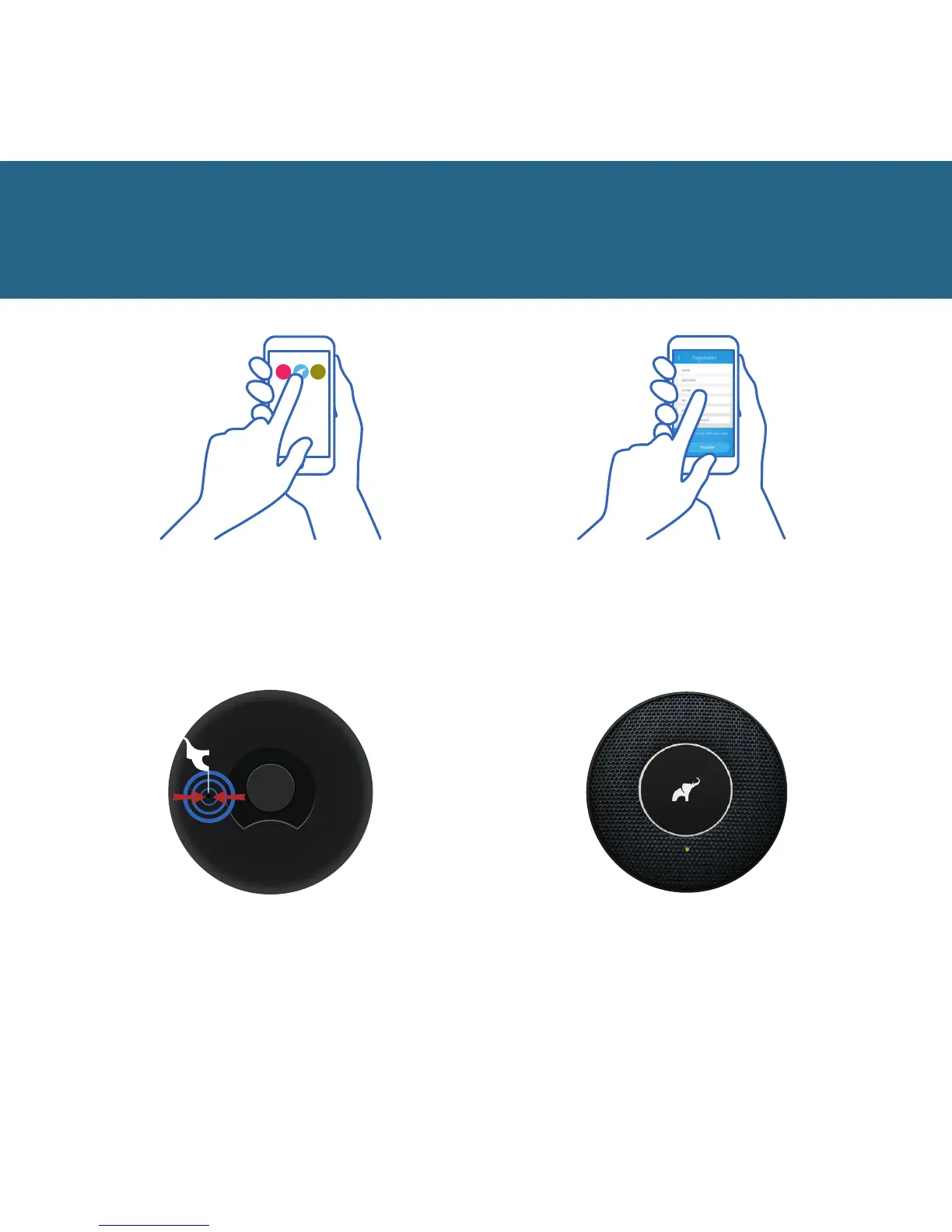
To launch the device you
need the first launch key. The
switch can be found in the hole
on the back of the device.
5
Press the button once. You will
hear a click sound and the LED
of the device will start to blink a
green light every 10 seconds.
6
Run the app and follow
the instructions.
3 4
Register in the app and confirm
the activation message sent to
your email box.


 To Next Page