7
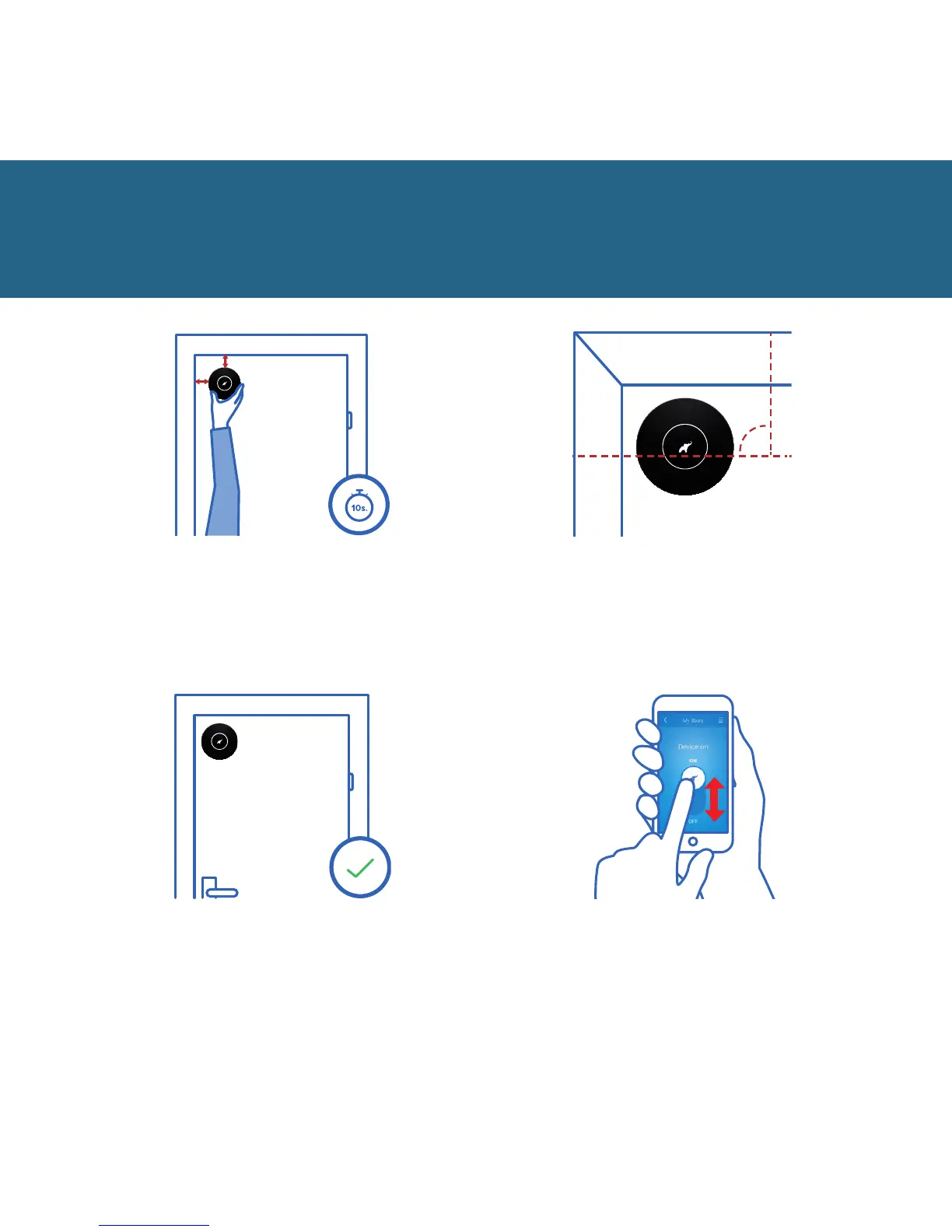
3 cm
3 cm
Place your device about 3 cm away
from the side and top edges.
Press and hold it for 10 seconds.
14
That’s it! Your flat is now protected.
Remember to turn your device on.
In order for the device to
operate properly, the logo must
be in position as in the image.
90
o
Turn your device on and
o using the app.
Quick start
15
16 17


 To Next Page