EasyManua.ls Logo

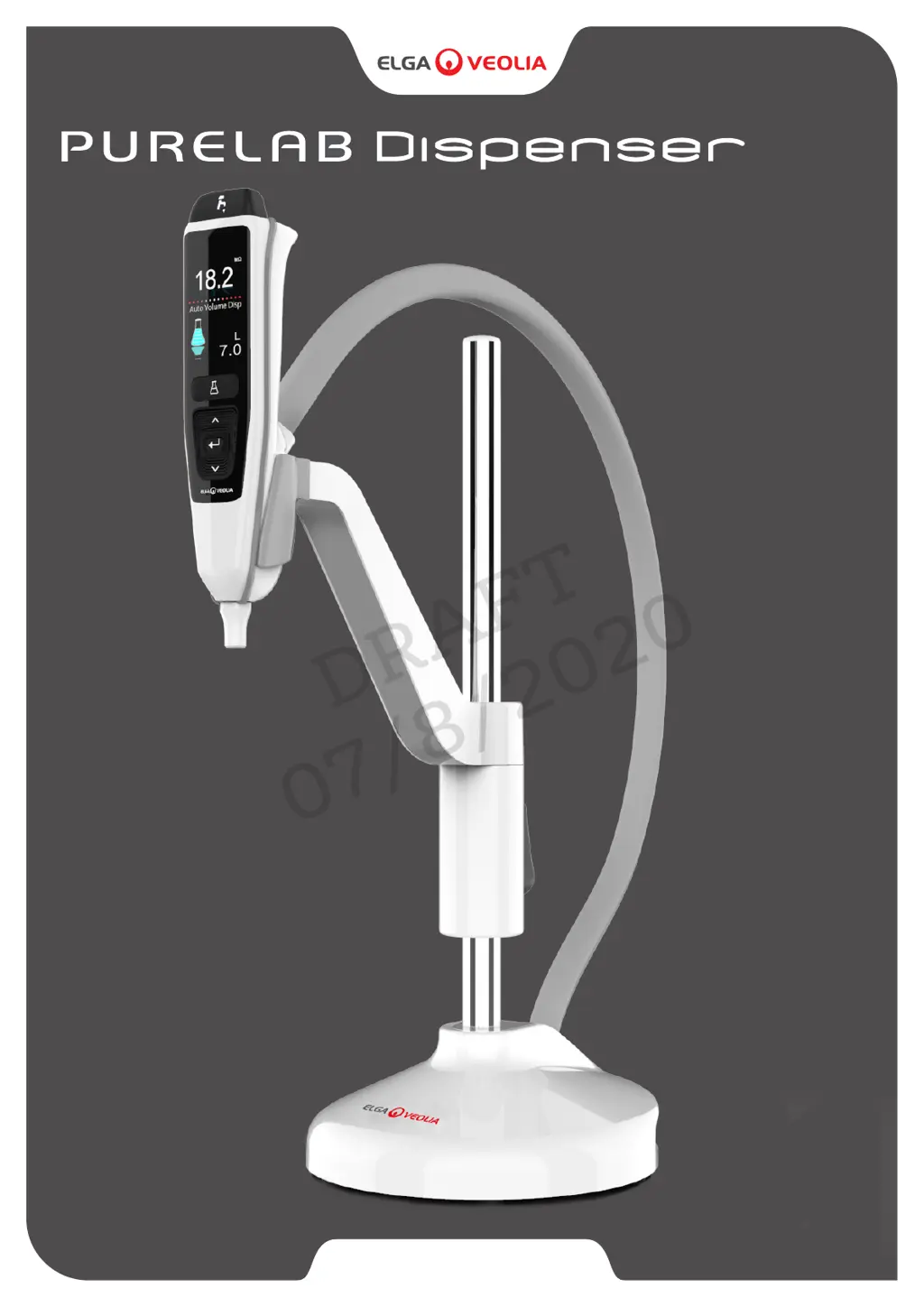
ELGA VEOLIA PURELAB - User Manual

Default Icon
35 pages
Print Icon
To Next Page IconTo Next Page
Loading...
WATER PURIFICATION
Operator Manual
®
MANU41319 VERSION D 08/20
Part No. LA824
DRAFT
07/8/2020

Questions and Answers

  • C
    Cindy HunterAug 4, 2025
    What to do if the ELGA VEOLIA PURELAB Dispenser displays 'Dispense Water Purity Alarm'?
    • S
      Steven KnappAug 4, 2025
      If the ELGA VEOLIA Dispenser displays a 'Dispense Water Purity Alarm', you should first check the alarm points settings via the Main Menu. If the issue persists, replace the Purification Pack and wait for the cycle to complete. You may also need to replace the UV lamp.
  • F
    fdawsonAug 9, 2025
    How to fix the ELGA VEOLIA PURELAB Dispenser when the display screen is blank?
    • J
      Jose BrownAug 9, 2025
      If your ELGA VEOLIA Dispenser has a blank display screen, try the following: 1. Press any button to wake it from sleep mode. 2. Check the power supply is securely connected, and turn the power OFF and then ON again. 3. Check the plug socket fuse and replace it if necessary.
  • C
    Carolyn BooneAug 13, 2025
    What to do if the ELGA VEOLIA Dispenser shows a 'High Temperature Water Alarm'?
    • M
      martinchristopherAug 14, 2025
      If the ELGA VEOLIA Dispenser displays a 'High Temperature Water Alarm', you can try these steps: 1. Adjust the alarm points settings via the Main Menu. 2. Check the feedwater temperature. 3. Press the dispense button to draw some water through the system configuration, then switch the dispenser OFF and restart it.
  • D
    david09Aug 19, 2025
    Why is the ELGA VEOLIA PURELAB dispensing water at a reduced flow rate?
    • A
      Amber WatsonSep 12, 2025
      A reduced dispensing flow rate in your ELGA VEOLIA Dispenser can be due to several reasons: 1. Check the mesh feedwater inlet filter for blockages. 2. Replace the Point-Of-Use Filter. 3. Ensure the feedwater valves are fully opened.
  • J
    Janice DudleyAug 25, 2025
    Why can't I enter the features in the Main Menu of my ELGA VEOLIA PURELAB?
    • R
      Robert BurgessAug 25, 2025
      If you're unable to enter the features in the Main Menu of your ELGA VEOLIA Dispenser: 1. Check the product is turned ON. 2. Make sure Auto volume dispense is disabled.
  • G
    gonzalescodyAug 29, 2025
    What to do if the ELGA VEOLIA Dispenser displays 'UV Lamp Change Reminder'?
    • S
      Sherry SpencerAug 29, 2025
      If the ELGA VEOLIA Dispenser displays a 'UV Lamp Change Reminder', you should: 1. Complete a UV lamp change. 2. Reset the UV lamp reminder.

Summary

HEALTH AND SAFETY NOTICES

Environment and Positioning Safety

Safety guidelines for environmental conditions, electrical connections, and personal protective equipment.

Electrical Safety Precautions

Safety guidelines for electrical connections, power supply, and maintenance.

Personal Protective Equipment (PPE) Requirements

Mandatory use of sterile latex nitrile gloves Cat 3 for maintenance.

QUICK START GUIDE

Welcome and Safety Information

Introduction to the PURELAB Dispenser and essential health and safety notices.

Dispenser Components Overview

Identifies and explains the key parts and connections of the PURELAB Dispenser unit.

SET-UP

Assemble and Adjust Height

Instructions for assembling the dispenser and adjusting its height for optimal use.

Optional Worktop Mounting Bracket

Details on attaching an optional bracket for securing the dispenser to a worktop.

Remove Worktop Mounting Bracket

Procedure for removing the pre-installed worktop mounting bracket.

Mark and Drill Mounting Holes

Steps for marking and drilling holes for worktop mounting using a Ø3mm drill bit.

Reassemble Dispenser Bracket

Procedure for reassembling the mounting bracket onto the dispenser base.

Secure Dispenser to Worktop

Instructions for securing the dispenser to the worktop using fixing screws.

Connect Water Inlet

Guide to connecting the water inlet tube to Port 1 of the dispenser.

Connect Water Return

Guide to connecting the water return tube to Port 5 of the dispenser.

Connect Communications Cables

Instructions for linking communication cables to the dispenser and system.

Connect Power Cables

Instructions for linking power cables to the dispenser and power supply.

Set Dispenser Language

Procedure to select the desired language for the dispenser interface.

Follow On-Screen Setup Instructions

Guidance on following on-screen prompts for initial system configuration.

MANUAL INTRODUCTION

Introduction and Purpose

Identifies the product model and explains the manual's purpose for operation and maintenance.

Installation and Environment

Covers installation guidance, environmental requirements, and system commissioning procedures.

Safety and Support

Highlights safety notices and provides contact information for customer support services.

GUIDE TO YOUR PURELAB DISPENSER

MAIN DISPLAY SETTINGS AND BUTTON OPERATION

Main Display Information

Details on Water Purity Display, Scrolling Information Bar, Reservoir Level, and Auto Volume Dispense.

Button Operation Guide

Explanation of functions for Scroll Up/Down, Dispense, Auto Volume Dispense, and Accept buttons.

PRODUCT CONSUMABLES

Register Your Product

Instructions and benefits for registering the PURELAB Dispenser for warranty and updates.

QUICK REFERENCE GUIDE

Manual Dispense Procedure

Quick steps for manual water dispensing by pressing and holding the dispense button.

Continuous Dispense Procedure

Steps for initiating continuous dispense using dispense and accept buttons.

Auto Volume Dispense Setup

Procedure for activating and setting volumes for auto-dispensing water.

MAINTENANCE

Replace Point-Of-Use Filter

Step-by-step guide for removing the dispense tip and replacing the POU filter.

CUSTOMIZE OPERATION

Set Alarm Points

Instructions for entering the main menu to set alarm points for system features.

Advanced Data Logging

Process for inserting a USB stick and starting data logging for system parameters.

Software Update Procedure

Steps to download and install software updates using a USB drive.

TROUBLESHOOTING

Common Operational Issues

Resolves blank screens, menu access problems, and incorrect water volume dispensing.

Sanitization Reminder Message

Guidance on completing a sanitization procedure and resetting reminders.

System Alerts Messages

Addresses UV lamp reminders, high temperature, and water purity alarms with troubleshooting steps.

Flow Rate and Configuration Errors

Resolves issues with reduced dispensing flow rate and system configuration errors.

TECHNICAL SPECIFICATIONS

WARRANTY; CONDITIONS OF SALE

ELGA VEOLIA PURELAB Specifications

General IconGeneral
BrandELGA VEOLIA
ModelPURELAB
CategoryDispenser
LanguageEnglish