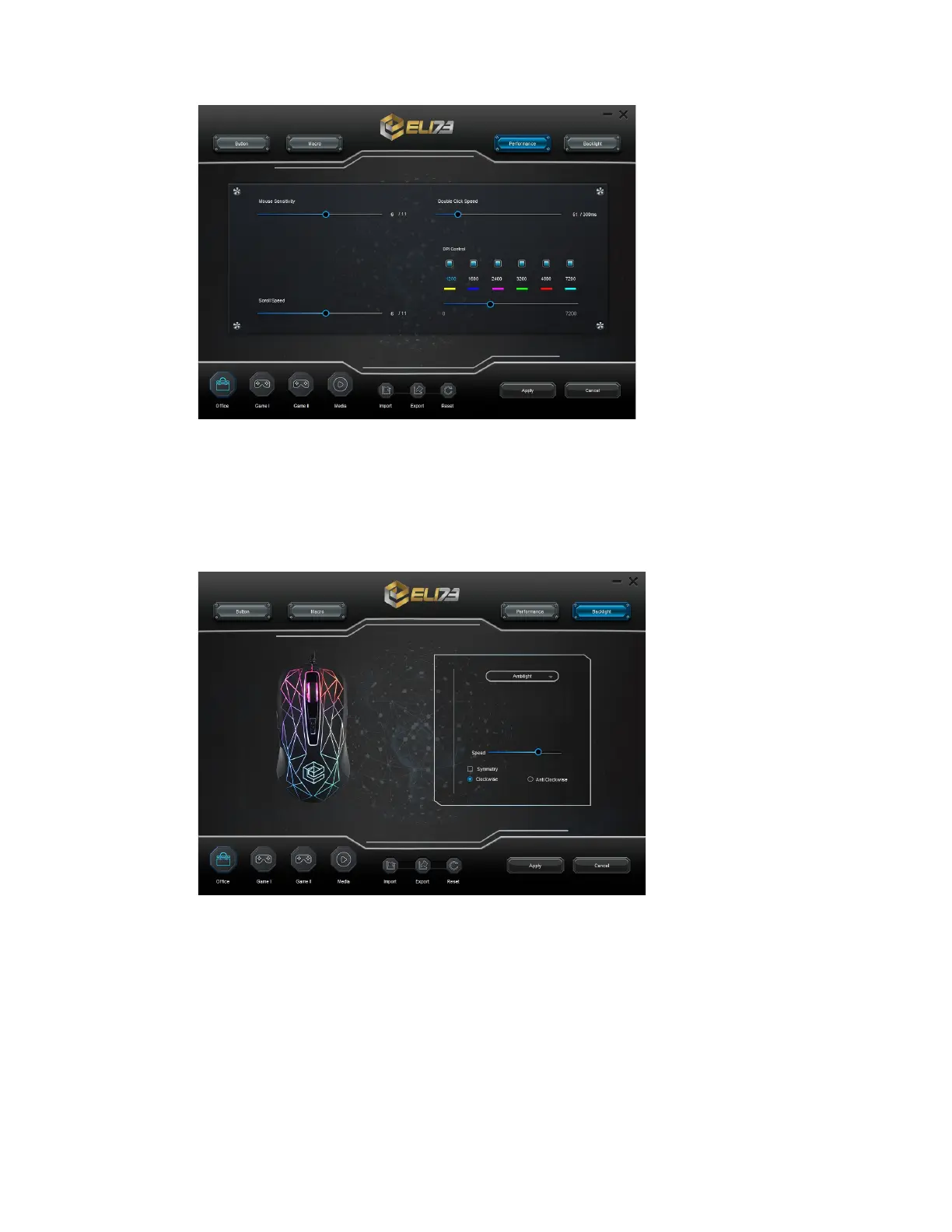
9. RGB LIGHT MODES & SETTINGS
- Click on the “Backlight” tab.
- Change the light mode by clicking the dropdown menu.
- Change the animation speed and symmetry.
- Click on “Apply”, the mouse is being updated.
10. PROFILE SETTINGS
- Select one of the 4 profiles "Office", "Game 1", "Game 2" or "Media".
- Click on "Export" to save a setup, Click on "Import" to load a setup.
11. RESET DEFAULT SETTINGS
- Click on "Reset" to reset the current profile to factory default.
- Click on "Apply" to reset the current profile to factory default.


 To Next Page