The Т key is also used to clear the Tare
value. To clear the Tare, the scale must be
unloaded.
Note 1: The following steps are performed for accumulating of the Tare value:
1. Set the Tare and place the first product as described above.
2. Press the T key, the scale shows the current Tare.
3. Press the T key for a second time – the scale zeros the Tare and shows the total
weight
4. Press the T key for a 3
rd
time – the scales accepts the current load for Tare
Note 2: If a Tare is set with the Т key, the call of an article with previously set Tare
doen’t change the weighed tare.
8.1.5. Accumulating totals / customer’s bill
Note!!! This option is factory disabled. To activate this function use service menu 2 (see 8.4.2)
To use the customer’s bill option (register of sales), perform the following steps:
8.1.5.1. After the first article is weighed and the total price is calculated, the item is stored by
pressing the + (followed by a sound signal).
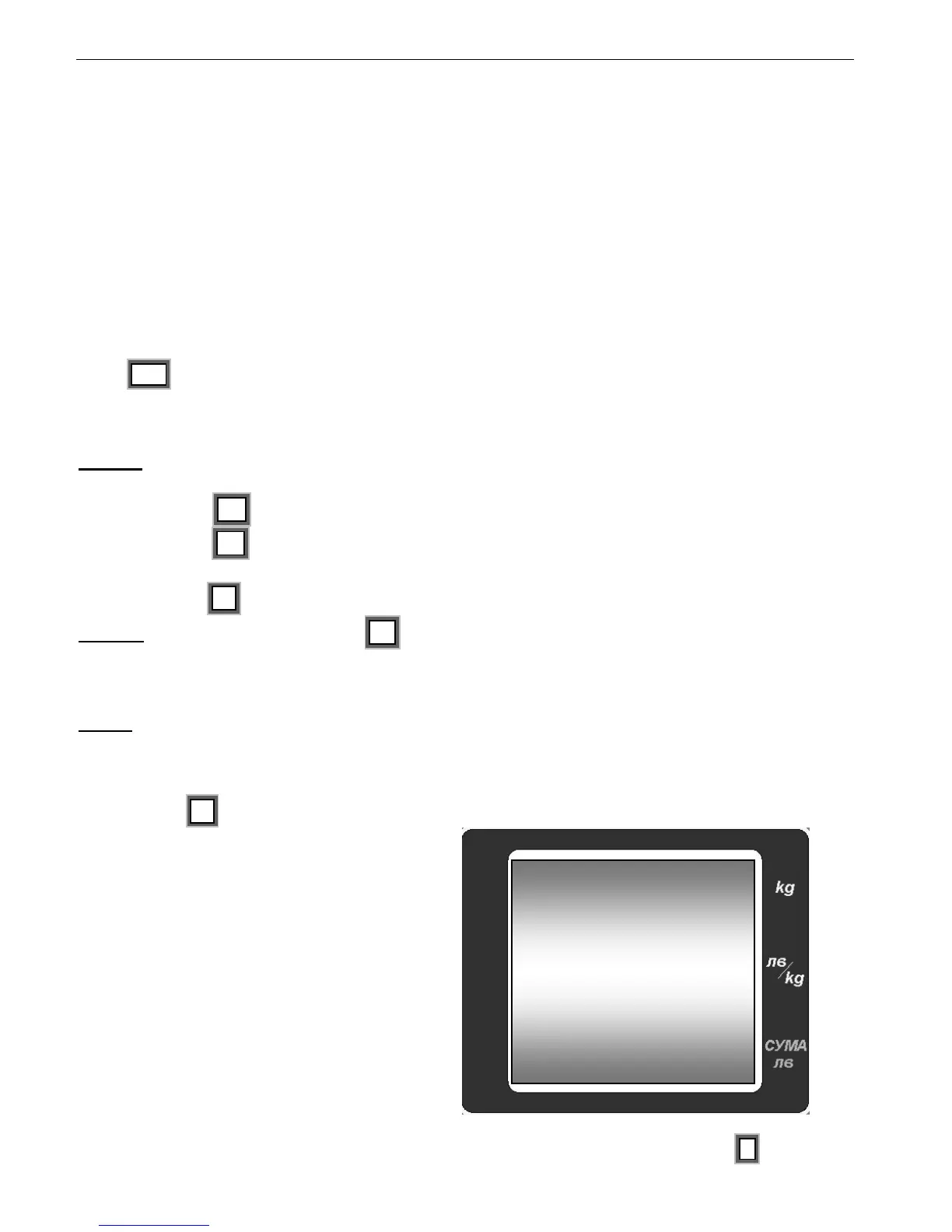
An arrow shows that in the customer’s bill is
recorded a sale
Place the second article and enter the new price.
The sale is recorded by pressing the + .


 To Next Page