Main
Pan
Ch1
Ch2 Ch3 Ch4
Ch56
Chorus
Reverb
Delay
System
Aux
Main
LCD FUNCTIONS
Main
Main
Mix
Ch1
Ch2 Ch3 Ch4
Ch56
Main
Pan
Ch1
Ch2 Ch3 Ch4
Ch56
Aux
Mix
Ch1
Ch2 Ch3 Ch4
Ch56
Aux
Pan
Ch1
Ch2 Ch3 Ch4
Ch56
“Main” Page 1: “Main Mix”
Adjust the level of each of the
5 channels.
“Aux” : “Aux Mix” Adjust the level of each of the 5
channels sent to the Aux Outputs.
“Aux” : “Aux Pan” Adjust the panning between
“Aux Send 1” and “Aux Send 2” for each of the 5
channels.
“Main” Page 2: “Main Pan”
Adjust the stereo panning for each of
the 5 channels.
Aux
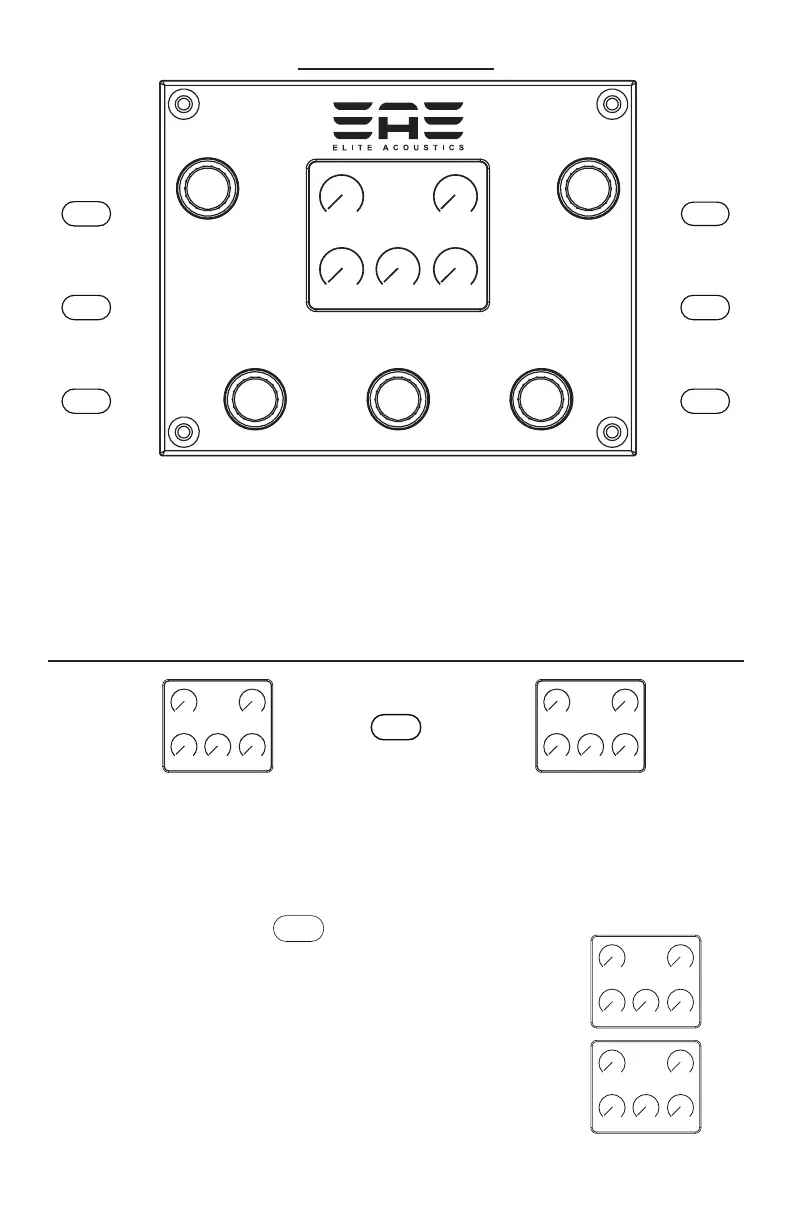
Menu Buttons with LCD:
Press any of the 6 menu buttons(black button located to the
left and right of LCD) or 5 encoders(blue knobs located around
LCD) to access and adjust features and settings. Most menus
have several pages of options, which are adjusted by turning the
corresponding encoder.


 To Next Page