KEEP WORKiNG
Keep Working
KEEP WORKiNG
19
CSvM530
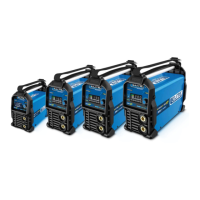
Si6130XP Si7160XP
Si7175XP Si7200XP
in
in
in
in
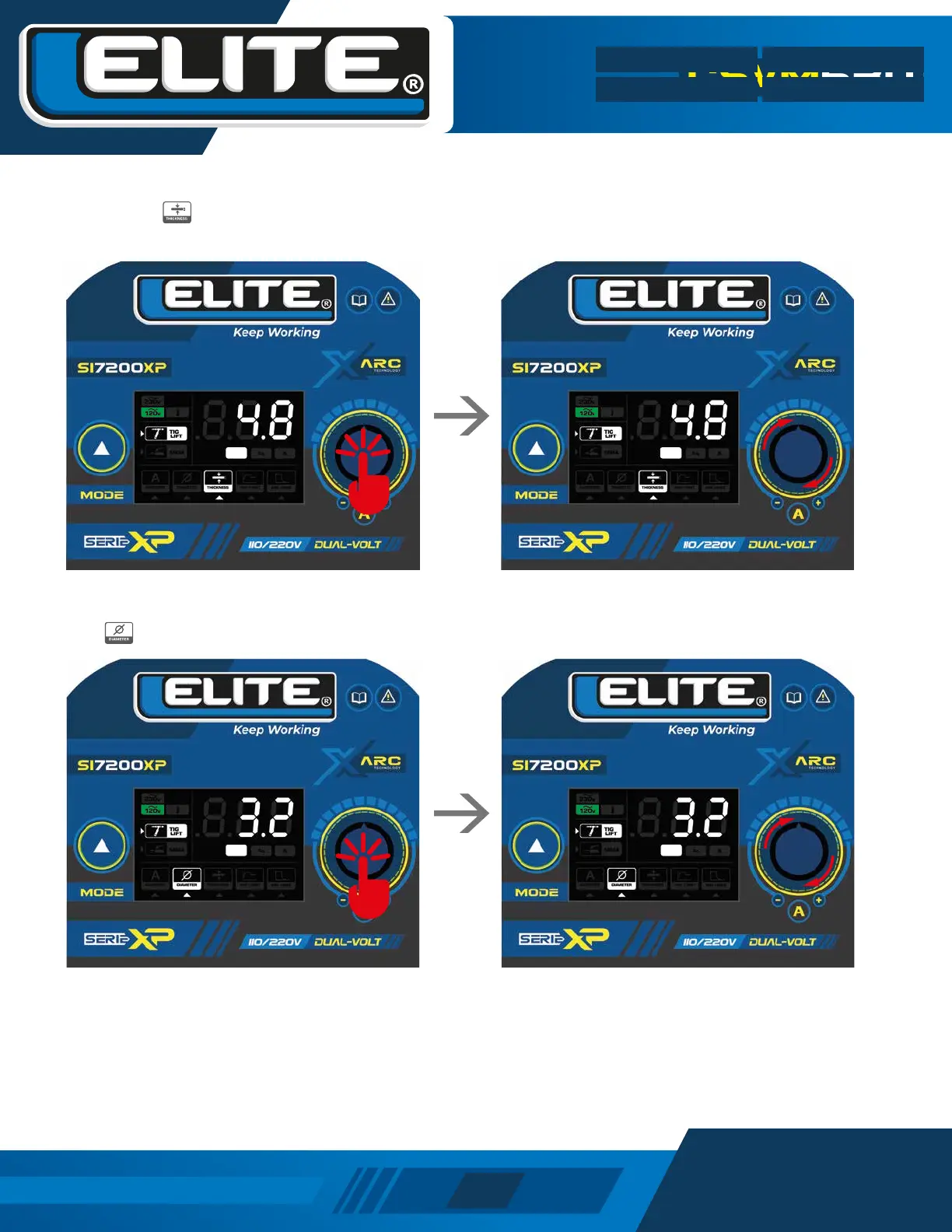
To adjust the electrode diameter, press the knob until the
icon has the white arrow below it.
By adjusting the diameter of the tungsten electrode, the equipment will automatically adjust the recommended output
current for this electrode and also select the base material thicknesses that can be welded with the selected electrode
diameter, the base material thicknesses that exceed the capacity of the electrode will not appear in the base material
thickness adjustment menu.
To adjust the thickness of the material, press the knob
until the icon has the white arrow below it.
Turn the knob to adjust the thickness of the material to be
welded and push the knob to save. When setting the
thickness of the material, the equipment will automatically
adjust the recommended output current for that thickness.
Turn the knob to set the diameter of the electrode to be
used and press the knob to save.


 To Next Page