KEEP WORKiNG
Keep Working
KEEP WORKiNG
21
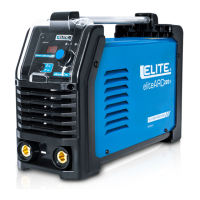
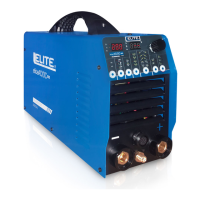
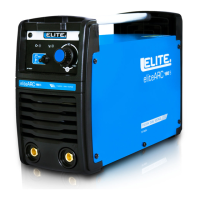
Si6130XP Si7160XP
Si7175XP Si7200XP
8. MAINTENANCE & TROUBLESHOOTING
TROUBLESHOOTING
The device is constructed for long service with a minimum of maintenance. Long term satisfactory operation depends on the
correct care of the device and regular cleaning.
Cleaning – first remove the power plug
Regularly clean the device using a soft cloth, preferably after every use. Keep the ventilation slots free of dust and dirt. If
the dirt cannot be easily removed, use a soft cloth dampened with soapy water. Never use solvents such as petrol, alcohol
etc. These solvents can damage plastic parts.
Lubrication
The device requires no additional lubrication.
Diagnose
If the machine can’t work normally, stop using it at once and use the following table to find the possible reason and solution.
If it’s not the reasons listed above, send the welding machine to our service center or responsible vender
for help.
Warning: Never try to fix the welding machine yourself, never open the enclosure. We are not responsible for
any accident resulting from your improper dealing with the machine.
No supply.
Improper fuse or breaker.
Thermal protection actuated.
Check the power connection.
Replace an appropriate fuse or breaker.
Waiting for about 5 minutes.
POSSIBLE REASONS
SOLUTION
FAULT
No output
Poor connection Check the grounding clamp to ensure good
connection. Clean the rust or paint if any.
Move the clamp to be closer to the position
to weld
Low current
Bad electrode. Change a new electrode
Línea de soldadura
defectuosa
Grounding clamp too far from the
position need to weld.


 To Next Page