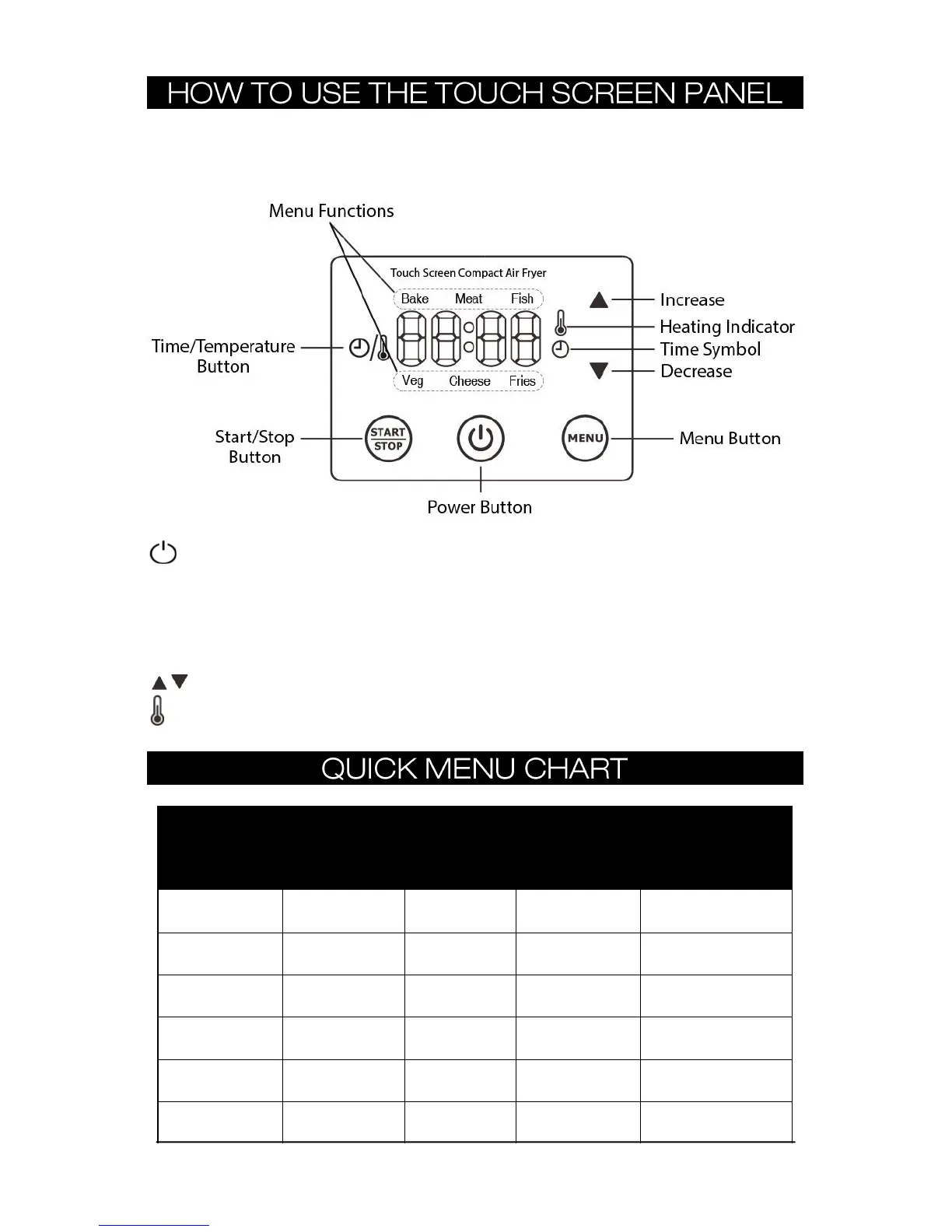
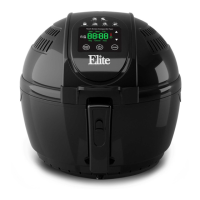
Your Digital Air Fryer features a Touch Screen Panel. Use your finger to lightly touch/press/tap the
buttons on your fryer when making selections. It is not recommended or necessary to push down
with excessive force on the buttons as this may lead to damaging the control panel of your fryer.
POWER BUTTON: Powers the Digital Air Fryer ON/OFF.
START/STOP BUTTON: Starts or Cancels selected cooking function.
MENU BUTTON: Use this button to cycle through and select a QUICK MENU function - The arrow on
the display will point to the selected function - Bake, Meat, Fish, Fries, Cheese, Veg (Vegetables).
TIME/TEMP BUTTON: Use this button to toggle between adjusting Cook Time (from 1 minute up to
60 minutes) and Temperature (from 302°F up to 392°F).
BUTTON: Use these buttons to increase/decrease the Time and/or Temperature settings.
HEATING INDICATOR: This icon will illuminate when the Air Fryer is heating.


 To Next Page