Version 2.1 For local assistance visit www.ellab.com
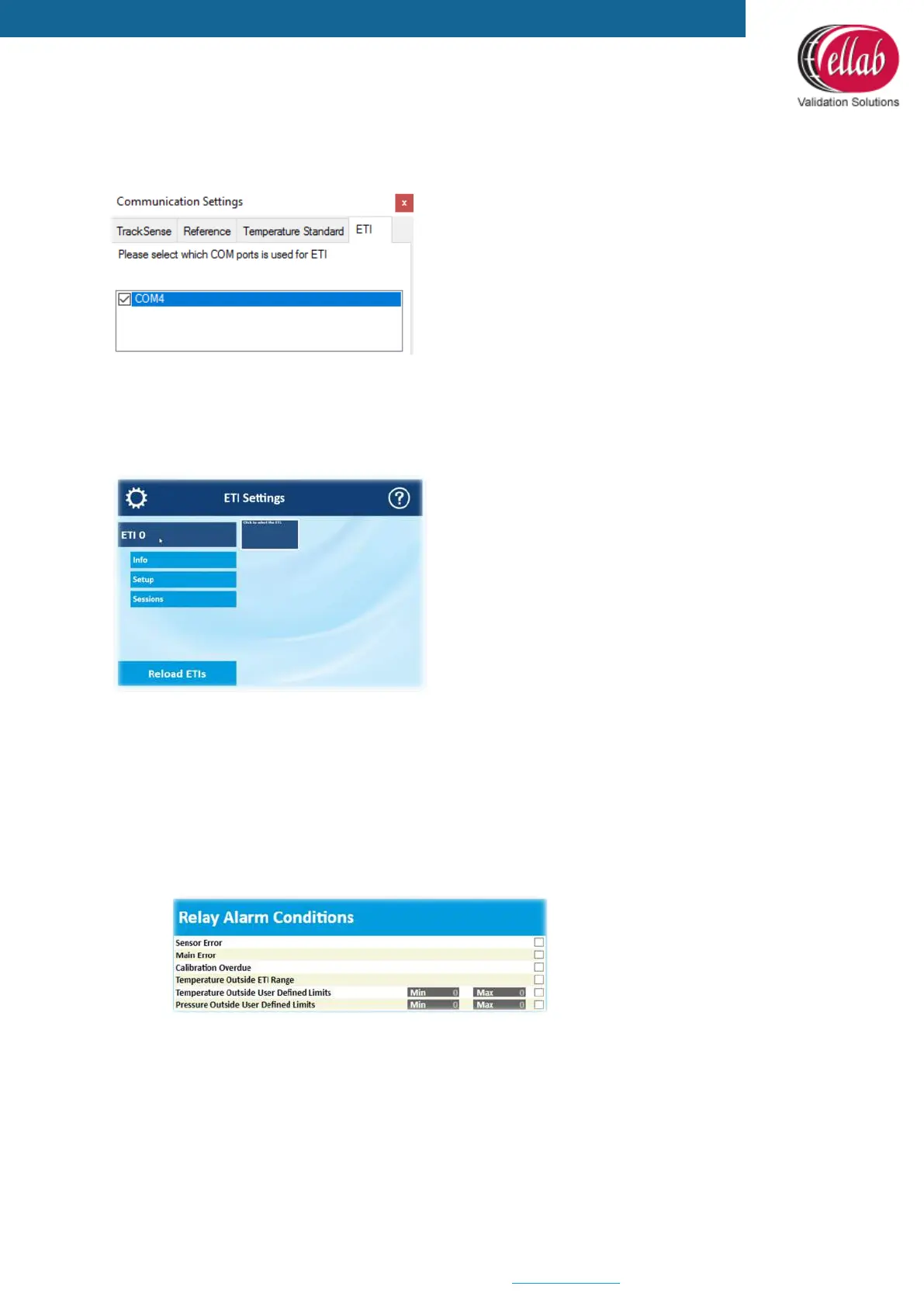
3. Setup the COM in the ETISuite (ValSuite) software using the Tools Communication
settings
4. Configure the ETI using the ETI Hardware Settings in the ETISuite (ValSuite) software
5. Click the ETI and 3 options will appear
Info
The Info selection contains information about the sensors and Main Unit.
Setup
The Setup menu contains four options: Relay Alarm Conditions, ETI Time, Sensor
Properties and Main Unit Properties.
• Setup - Relay Alarm Conditions:
Setup the conditions that will trigger the relay.



 To Next Page