Version 2.1 For local assistance visit www.ellab.com
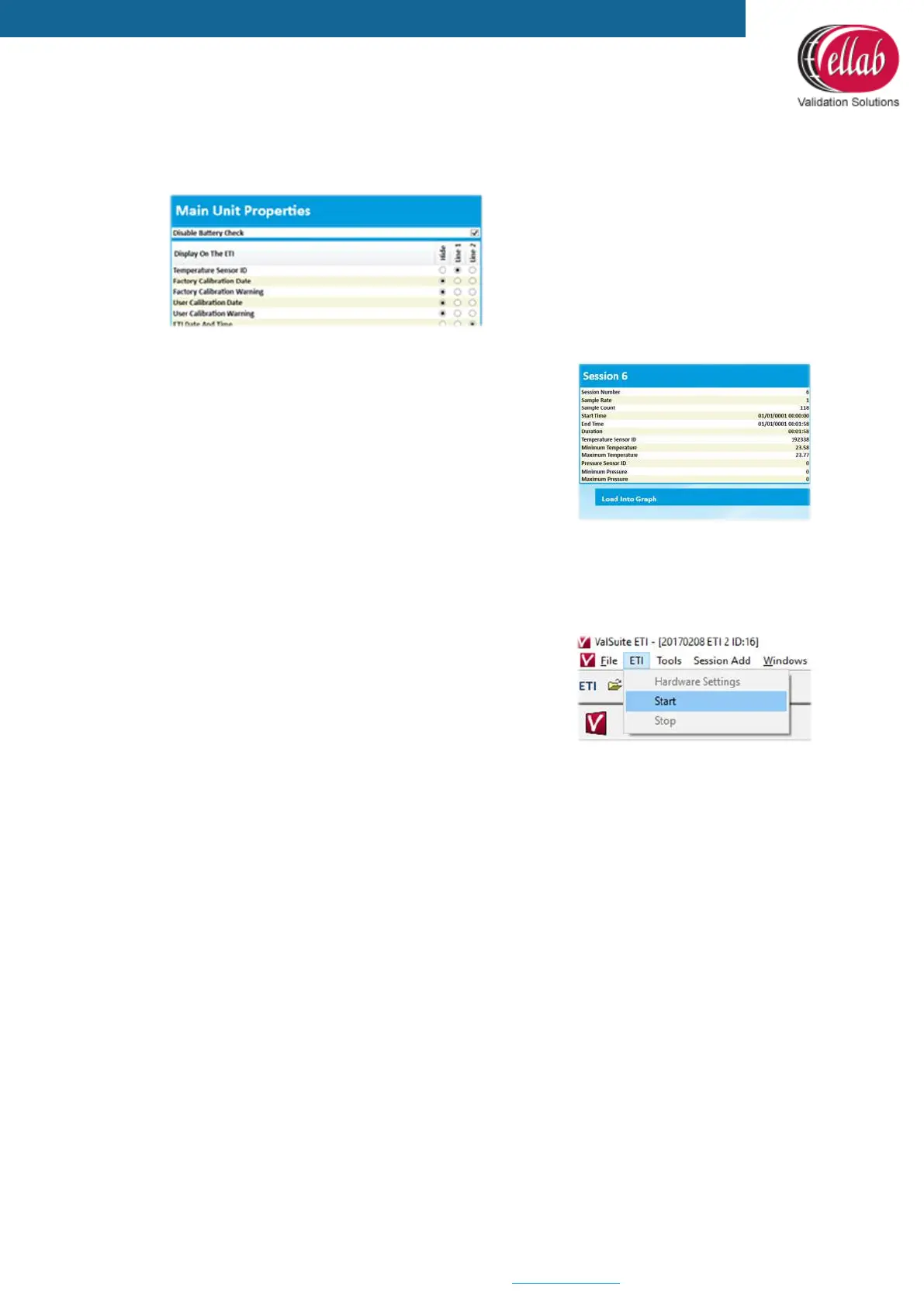
• Setup - Main Unit Properties:
Setup the 2 display lines shown on the Main Unit.
Sessions
1. When applying power to an ETI, a session will
automatically start recording data in the memory. Load
existing sessions from the ETI memory into ETISuite
(ValSuite)
2. Start the ETI Before exiting the session menu
Starting an ETI Session in the ETISuite (ValSuite)
Software
1. Click File New ETI Session
2. Select the ETI’s that need to be included in the
session. Up to 8 ETI’s can be selected
3. Click ETI Start



 To Previous Page