www.ellessewatch.com
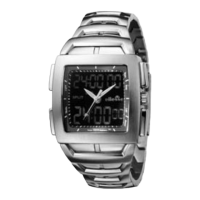
Instruction Manual for P-500 CH ELI616
1. Pull out the crown out to the first click.
2. Turn the crown clockwise until the previous day's date appears.
3. Pull out the crown to the second click when the second hand is at the
12 o'clock position. It will stop on the spot and advance the hour minute
hands by turning the crown.
(Check that 24-hour hand is set correctly.)
*When the crown is at the second click position, do not press any
button. Otherwise, the chronograph hands will move.
4. Push the crown back in to the normal position in accordance with a
time signal.
* Do not set the date between 9:00 P.M. and 1:00 A.M.
Otherwise, the day may not change properly. If it is necessary to set
the date during that time period, first change the time to any time
outside it, set the date and then reset the correct time.
(D) TIME SETTING
• The measured time is indicated by the stopwatch hands that move
independently of the center and 24-hour hands.
• The stopwatch can measure up to 60 minutes in seconds.
(The watch indicates the measured time in second increments by
ignoring off the 1/10 seconds obtained.)
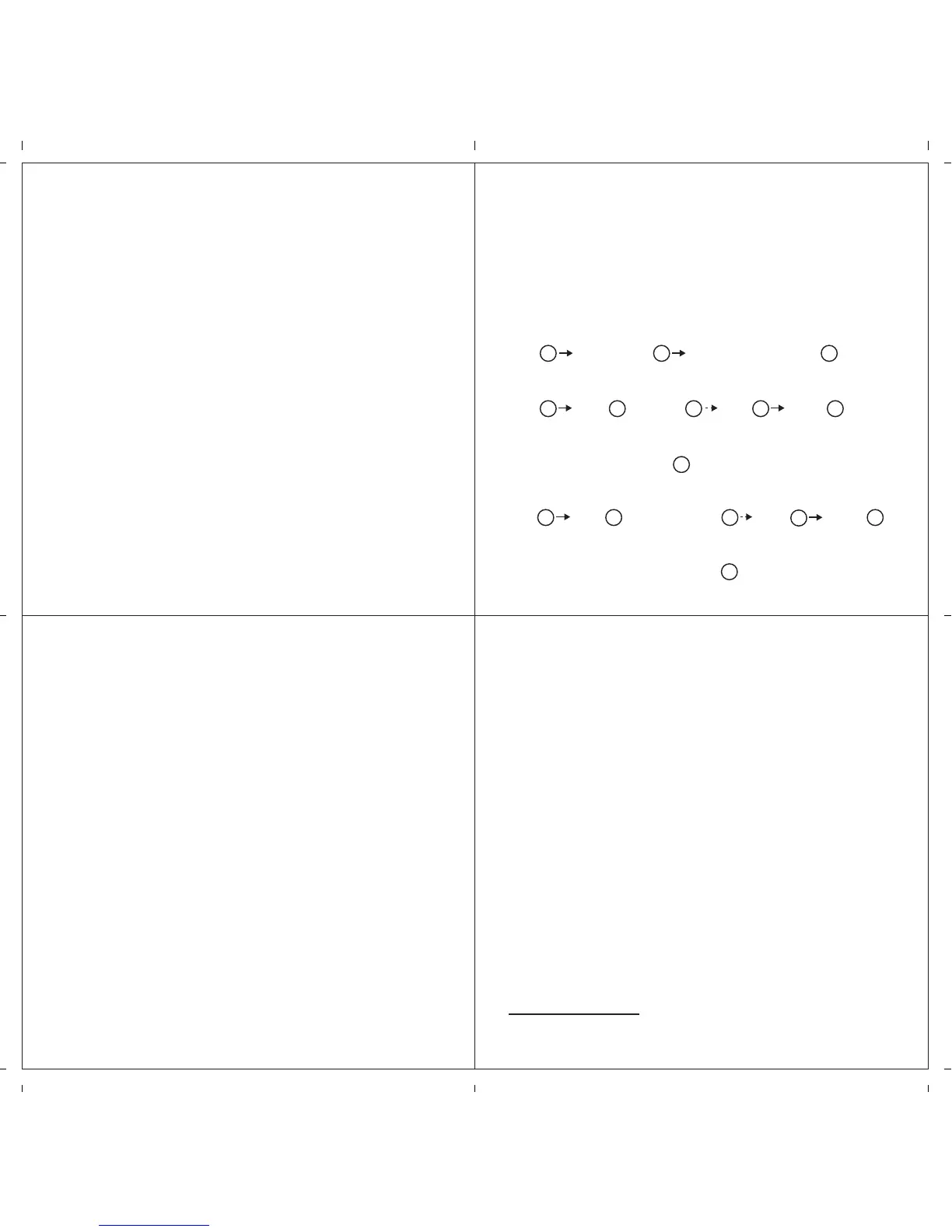
Standard measurement:
START STOP (Finish) RESET (Reset to "0'00")
Accumulated elapsed time measurement:
START STOP RESTART STOP RESET
(Start of game) (Time out) (Restart of game) (Game over)
• Restart and stop of the stopwatch can be repeated as many times as
necessary by pressing button .
Split time measurement:
START SPLIT /SPLIT RELEASE STOP RESET
(Finish)
• Measurement and release of the split time can be repeated as many
times as necessary by pressing button .
(E) HOW TO USE THE STOPWATCH
A A B
A A A A B
A
A B B
A
B
B



 To Previous Page
 Loading...