User Manual: 1002L, 1502L, 2002L
UM600012 Rev D, Page 5 of 24
Chapter 2: Installation
Unpacking the Touchmonitor
Open the carton and verify that the following items are present:
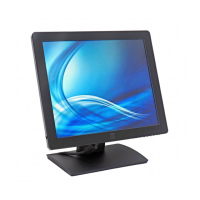
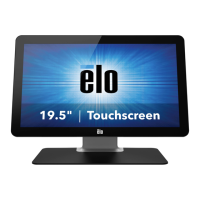
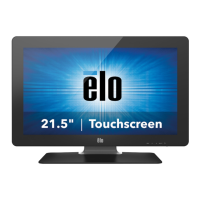
Touchmonitor with Stand (Stand is not included with 1002L monitor)
User Manuals CD
Japanese language regulatory information pamphlet
Quick Install Guide
Mini-VGA to VGA cable
HDMI cable
USB cable
Audio cable
Power adaptor with North America, Europe, China and United Kingdom clipped-in plugs
2 x Cable clamps


 To Next Page