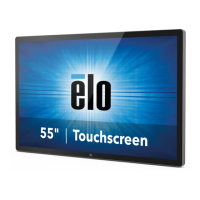
User Manual: Interactive Digital Signage
SW602296 Rev A, Page 7 of 39
IDS Touchmonitor Connections to an External Computer
1. Connect the included HDMI cable (or your own VGA or DisplayPort cable) between the
monitor and the video source.
2. Connect the USB touch cable between the monitor and your host PC.
3. Select the correct power cable for your region. Connect it between the AC power source
and the touchmonitors POWER IN connector.
4. The touchmonitor ships in an ON state.
a. In order to access the OSD menu, press the Menu button located on the bottom
right side on the back of the monitor.


 To Next Page