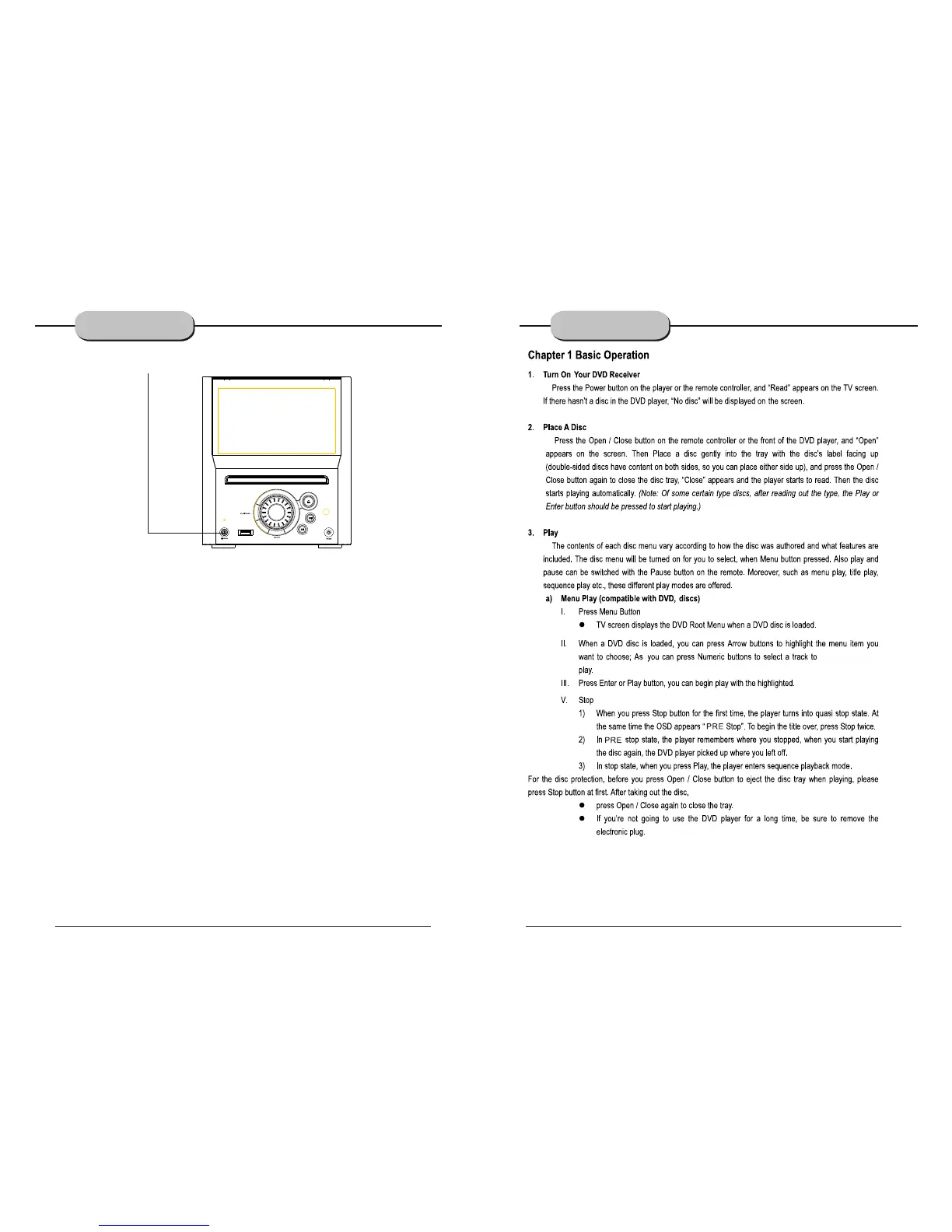
POWER
Before plugging the power cord into the AC outlet, check to make sure all of the connections
have been properly completed. When they have been, carefully plug power cord into outlet.
Press the POWER button on the front panel to power the unit. The display panel will light.
When the unit is initially powered, a brief surge of electricity may cause interference with other
electronic equipment on the same circuit. If this occurs, connect the unit to an outlet on a different
circuit.
CONNECTING
POWER SUPPLY
-12-
BASIC DVD
OPERATION
-13-
www.elonex.com www.elonex.com


 To Next Page