-3- -4-
1,35 - 1,7m
Install your IP video doorphone
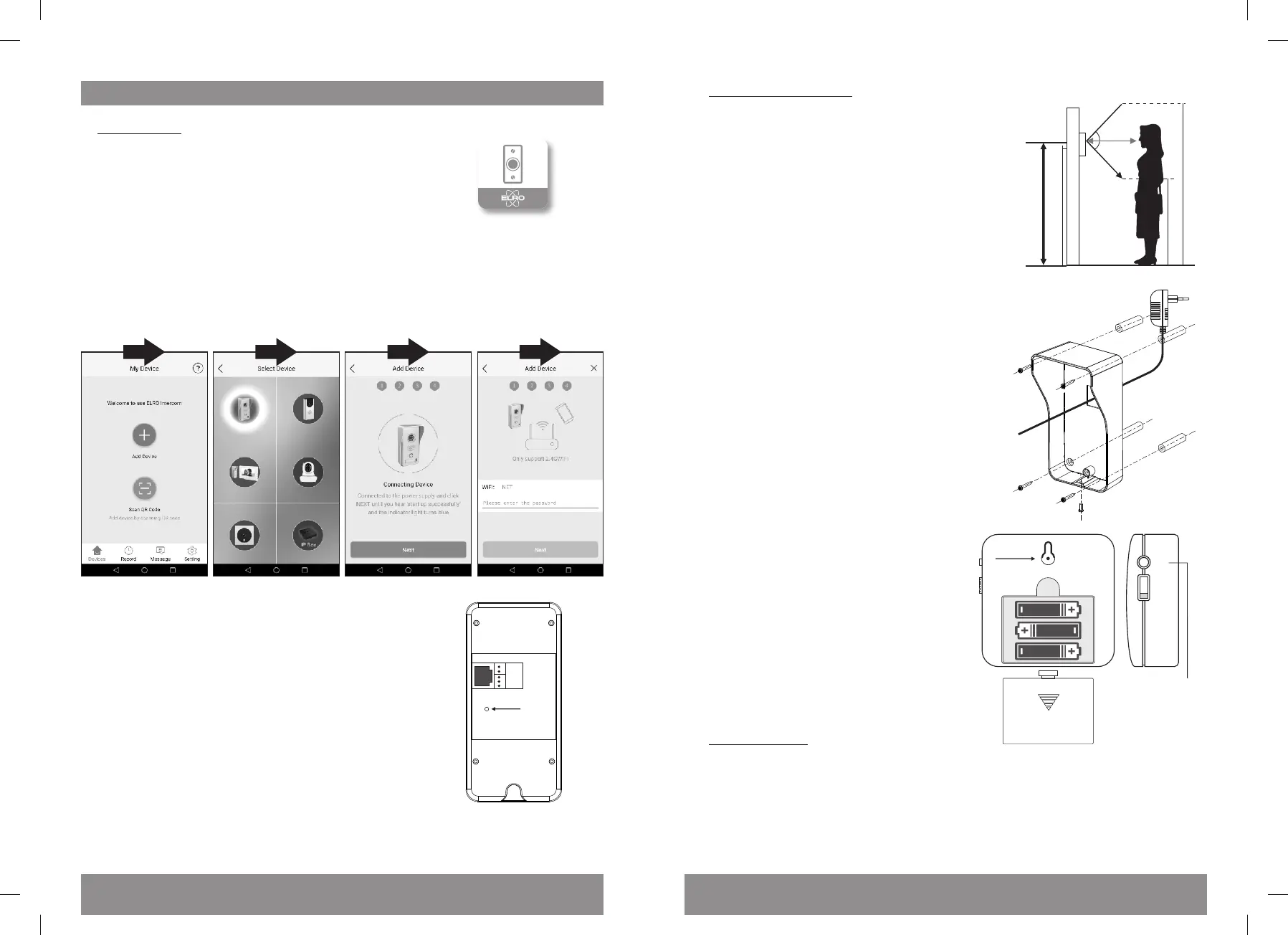
A: Ring to app
1. Download the ELRO Intercom app from the Google
Play Store for Android devices or from the Apple App
Store for iPhones.
2. Place the outdoor unit next to your home router and make sure that your mobile
phone and the outdoor unit are using the same WiFi network. Wait unl the colored
ring around the push buon turns blue.
3. Open the app and press the “+” buon to add the new device. Follow the “Smart
Konfig” instrucons in the app. Ensure you have your WiFi password available.
4. If pairing fails, return the outdoor unit to factory
sengs by pushing a needle into the small hole at
the back, approx. 1cm below the LAN adapter and
hold it for 3 seconds; then try again.
5. You are now ready to receive calls from your door
intercom on your mobile phone, both when
connected to your home WiFi network and when
connected to the internet elsewhere.
B: Mounng the devices
6. Take the rainshade and use it to mark the drilling
holes on your wall. Make sure that you can reach
this place from the back with the power adapter
cable and oponally with the door lock cable and
LAN cable. We recommend a mounng hight
between 1,35 and 1,70 meters. Try to avoid
sunlight and direct rain as much as possible.
7. Put the power adapter cable through the
rectangular hole in the rainshade and fix the
rainshade with the screws and dowels supplied
with the set; take out the name plate paper, note
your name and put it back in.
8. Connect the power cable to the outdoor unit (and
oponally the LAN cable and doorlock cable), put
the outdoor unit into the rainshade and fix it with
the inbus screw.
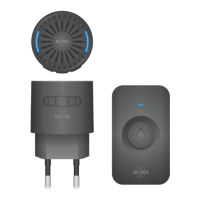
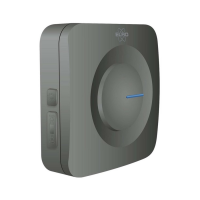
9. Insert 3 x AA baeries (not included) into
the wireless door chime unit and press the
push buon of your outdoor unit. If the
chime does not ring immediately, press and
hold the code-buon (clearly marked with
“code”) at the back of the chime for 2
seconds. Then touch the ring buon of the
outdoor unit and the 2 devices will
be paired.
10. By pushing the melody sign on the side of
the door chime, you can select between 8
different sounds. Just stop pushing the
buon when your desired sound plays and it
will be selected and saved.
C: Mulple users
11. Oponal: If more users want to access this door phone on their own mobile phones,
they just need to download the app and add a device through QR Code. To do this go
to device sengs/QR Code and let them scan your specific device QR code from your
app.
Reset
Code
OPEN
3 x AA baeries
(not included)
ON
OFF
Melody choice
1 3 42
DVC040IP



 To Previous Page
 Loading...