Next, type in the password (5) you want to use (at least 8
digits, a mix of upper/lower case leers and numbers and/or
special characters). Re-enter the password in the field
underneath and tap the “Register” buon. You can check the
password by pressing on the eye! Confirm by pressing
registraon. The login screen will appear. Now you can login
to the app using the informaon the e-mail address and
password you just provided.
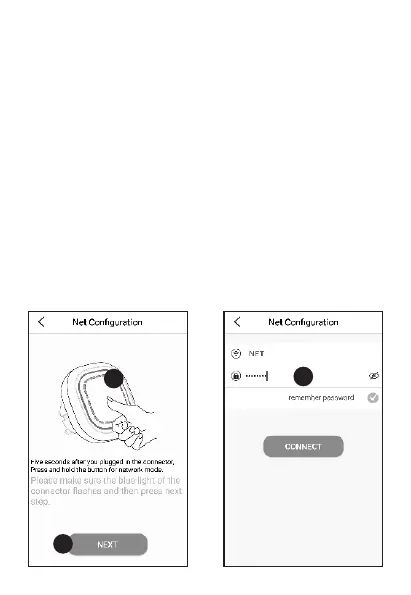
3. Connect the K1 Connector to the app
Now you'll be taken to the “Add Gateway” screen. Plugin the
K1 Connector into a wall socket, wait for the LED indicator to
turn green.
- English 3 -



 To Next Page