ACTIVATING A STATISTICS SCROLL
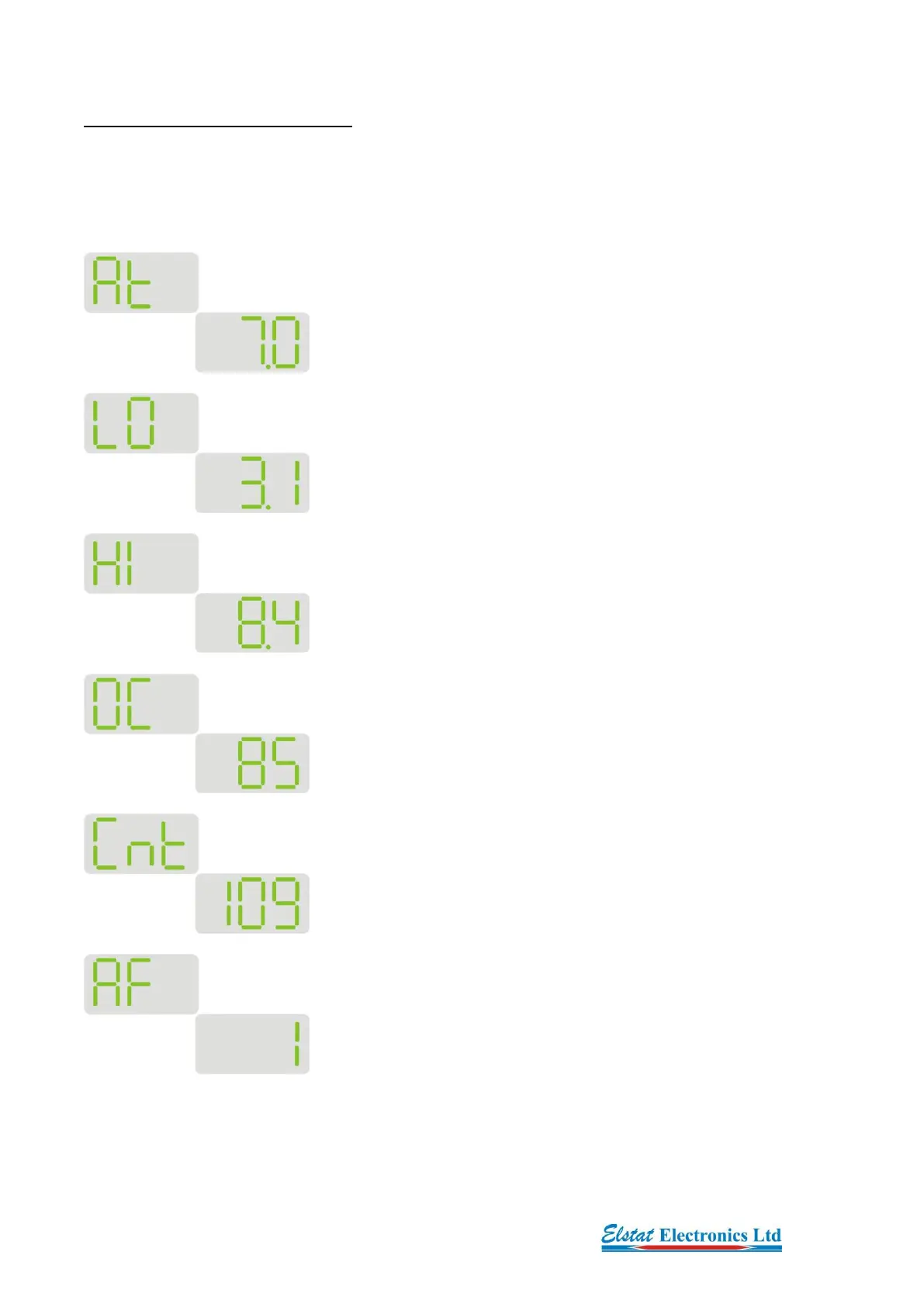
To activate a statistics scroll press the UP and DOWN buttons simultaneously. During a statistics
scroll the display firstly shows the statistic and then its reading. Each reading is displayed for approx.
20 seconds to enable the user to write the values down. After the control has completed the statistics
scroll the display will automatically return to its standard duties.
Average temperature
Lowest registered temperature
Highest registered temperature
Door opening counts
Motion counts (passers by)
Traffic density setting


 To Next Page