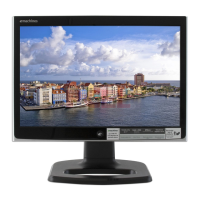
Using Your eMachines Flat-Panel Monitor
4
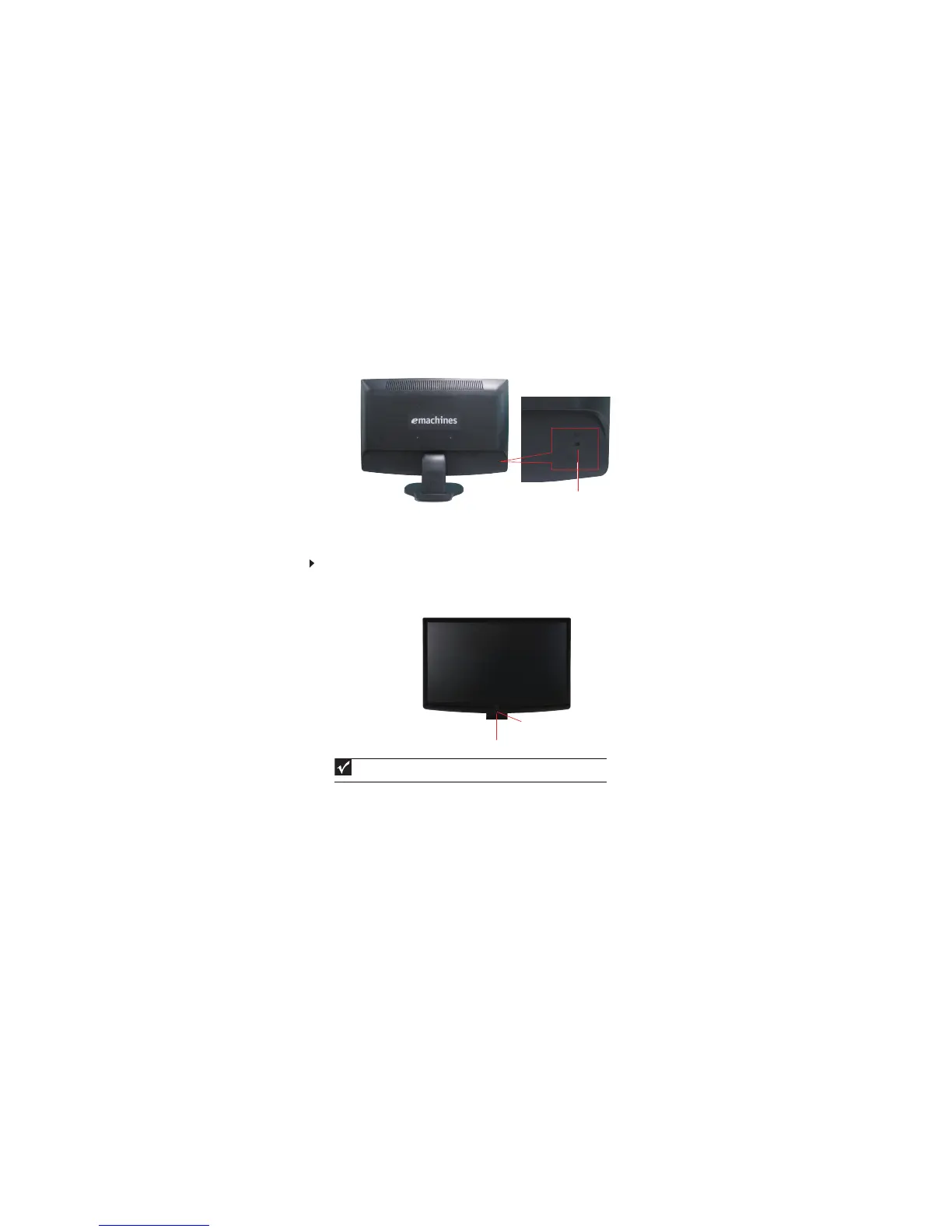
Connecting a security cable
You can secure your monitor to your computer desk (or to another heavy object) with a cable lock
(such as a Kensington™ lock). To connect a cable lock, follow the cable lock’s instructions to connect
it to the lock slot on the back of your monitor (cable lock not included).
Turning on the monitor
To turn on the monitor:
1
Important
Turn on your monitor before turning on your computer.
Press the power button
at
the botto m of your monitor. The power LED
displays green color
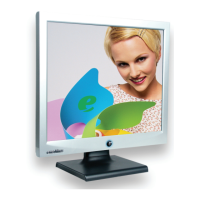
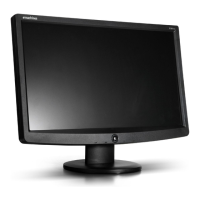
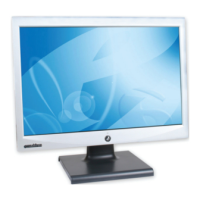
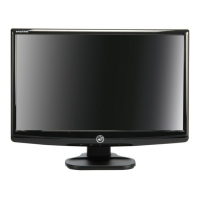
(The appearance of your monitor may vary from that shown.)
Cable lock slot
Power button
Power LED


 To Next Page