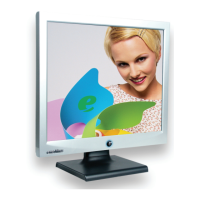
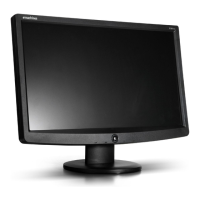
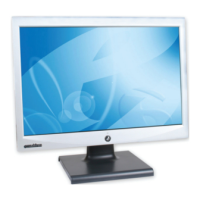
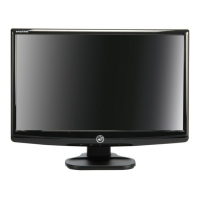
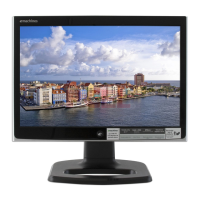
Using Your eMachines Flat-Panel Monitor
2
Unpacking the monitor
Your monitor box should contain the following items:
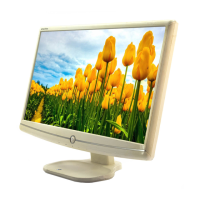
• Monitor (with neck attached)
• Base (to connect to the neck)
• This User Guide
• VGA cable
• Audio cable
• Power cord
If you are missing any items, call Customer Care.
Setting up the monitor
To set up the monitor, first attach the base, then connect cables.
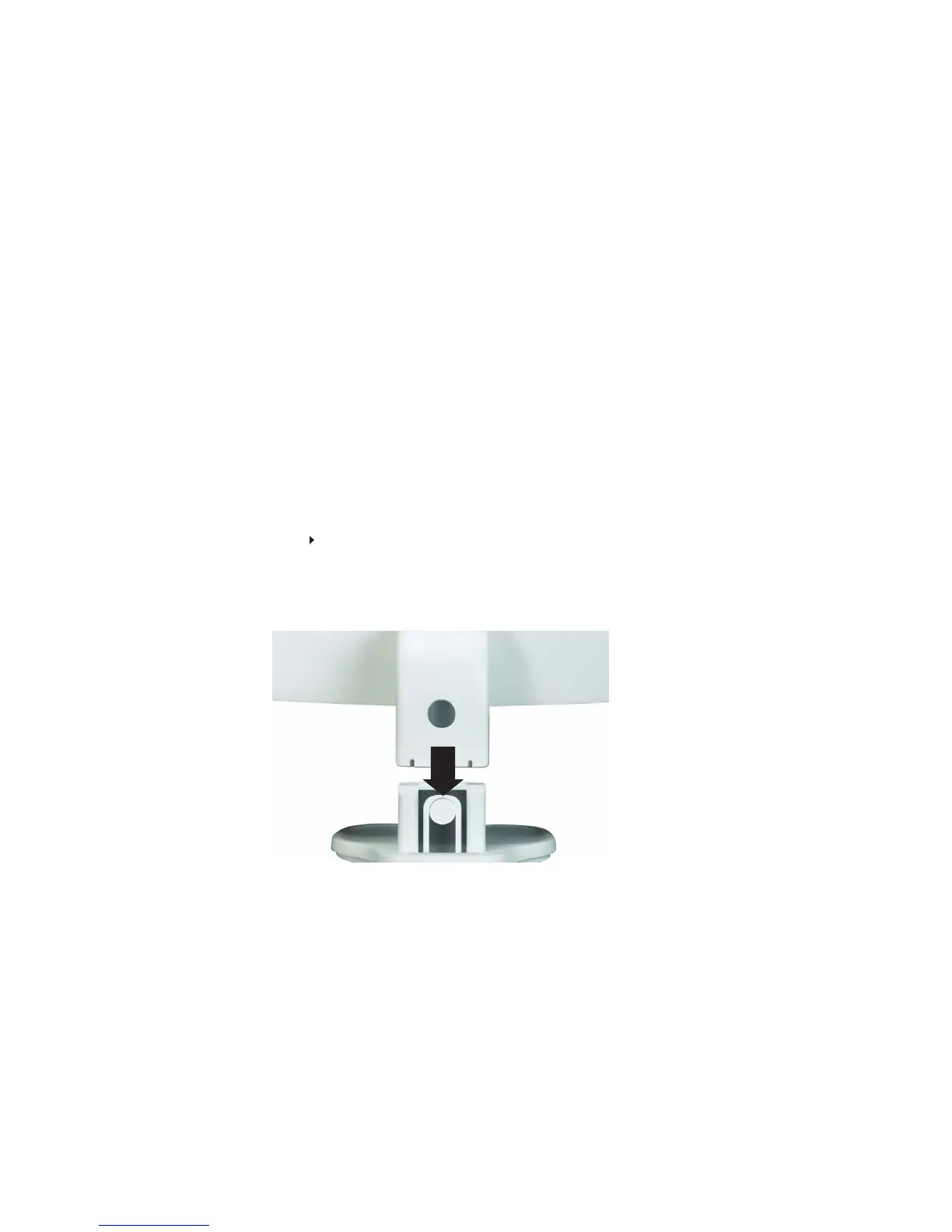
Attaching the base
To attach the base:
• Place the base on a table top, then press the base’s release button while you slide the monitor
neck down onto the base.
(Option)€


 To Next Page