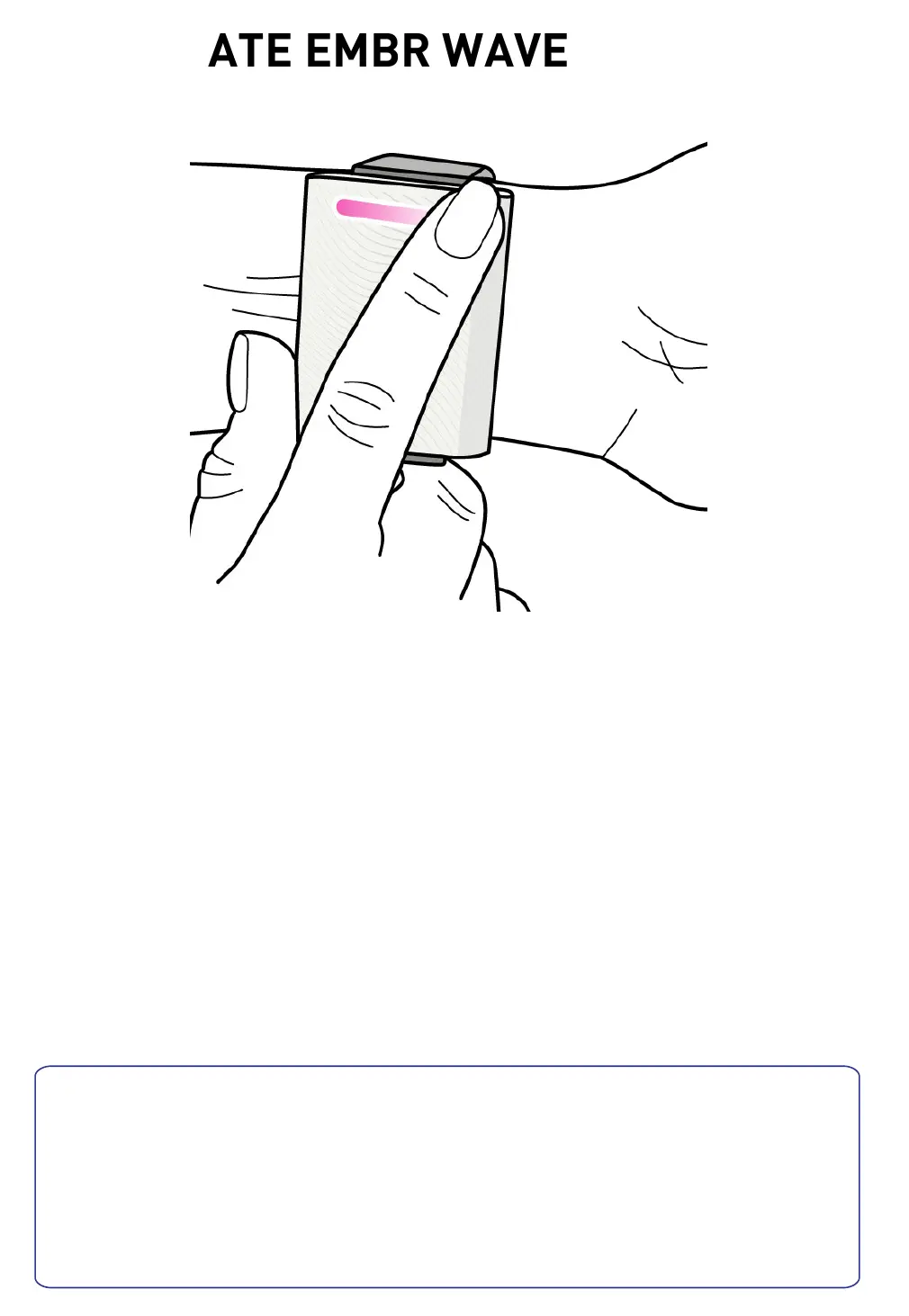
4. ACTIVATE EMBR WAVE
Wake up Embr Wave by clicking either side of the
light bar: you'll see the red & blue standby lights
turn on.
Start cooling or warming by clicking the blue or
red side once. The device will start cooling or
warming instantly.
Tip: You can also control your Embr Wave from the
mobile app.
For best results, use Embr Wave when
you're just starting to feel uncomfortable.
Try it next time you're overheated, feeling
stressed, or chilly at your office.


 To Next Page