Ⅳ. Desktop layout
- 13 -
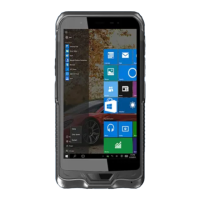
1.Windows10 start
①start icon —— Quick launch of installed applications.
②search for —— Enter the key character search page or open the application.
③task view —— Open multiple tasks to quickly switch applications with this icon.
④IE browser
⑤file explore —— For quick viewing of recently used files and administration files.
⑥store —— Download installation application.
⑦email —— Log in to email account to receive and send mail.
①
② ③ ④ ⑤ ⑥ ⑦


 To Next Page
 Loading...