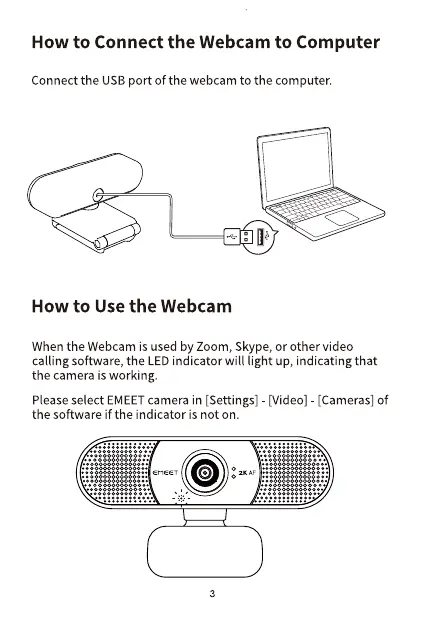
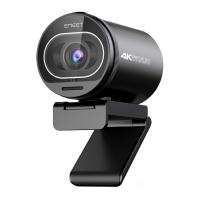
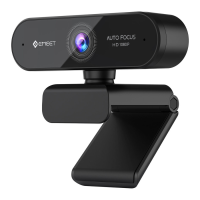
How to Connect the Webcam to Computer
Connect the USBport of the webcam to the computer.
How to Use the Webcam
When the Webcam is used by Zoom, Skype, or Othervideo
calling software, the LEDindicator will light up, indicating that
the camera is working.
Please select EMEETcamera in [Settings] [Video] - [Cameras] of
the software if the indicator is not on.
O
3


 To Next Page