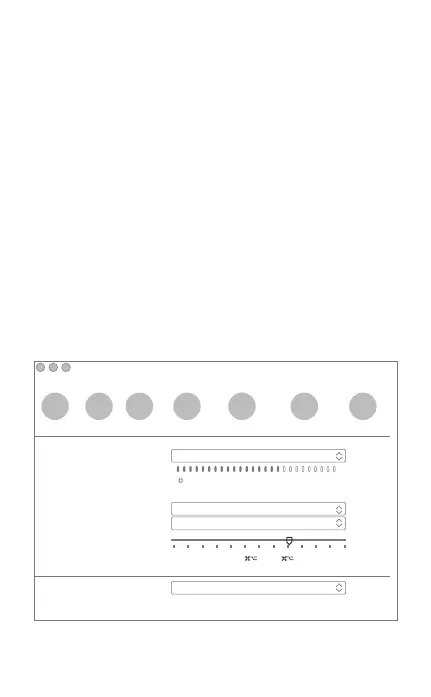
In the Audio/ Video tab, Select“HD Webcam eMeet
C960”in the Microphone dropdown menu, select“HD
Webcam eMeet C960”in the Camera dropdown menu.
We recommend the users uncheck the box below the
Microphone dropdown menu marked Automatically adjust
microphone setting. This option, when checked, can
sometimes cause sound interruptions during voice calls.
Initially it is best to set the volume slider a little less than
halfway along the bar. You can adjust this later to suit
your preferences.
Remember to save your changes before closing the
window.
Audio/Video
General Privacy Calls Messaging Notifications Audio/Video Advanced
× − +
Microphone:
Ringing:
Speakers:
Volume:
Camera:
HD Webcam eMeet C960
Autormatically adjust microphone setting
HD Webcam eMeet C960
Built-in Output(Internal Speakers)
Built-in Output(Internal Speakers)
Adjust volume with and
↑
↓
7


 To Next Page