Skype
Open your Skype application
Click the Voice tab along the top of the settings window
which appears.
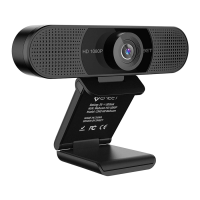
Make sure that“HD Webcam eMeet C960”is selected
as the default device under Voice Recording, and then
click OK to save your changes.
If the microphone is too quiet or too loud, you can
adjust it with the Volume...setting in the same Voice
Recording panel.
˙
Open your Control Panel from the Start menu and select
the Sound and Audio Devices panel.
˙
You may also need to set up the default device for the
individual applications you use.
˙
˙
˙
Select the Tools menu and go to Options. In the General
tab, make sure that your settings are as follows.
˙
Audio Settings: Select“HD Webcam eMeet C960”
˙
If the microphone is too quiet or too loud , you can
adjust it with the Properties(Levels)setting in the same
Recording panel.
˙
Setting up the microphone (Win 2000/XP)
You may also need to set up the default device for the
individual applications you use.
9


 To Next Page