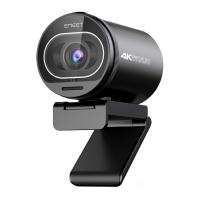
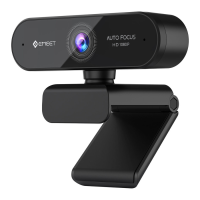
HD Webcam eMeet C980 Pro:
3.1.3 Skype
Stellen Sie vor dem Betrieb von Skype sicher, dass alle anderen
Anwendungen, die die Webcam nutzen, vollkommen geschlossen
sind. Ein Versäumnis diesbezüglich bedeutet, dass Skype die
Webcam eventuell nicht erkennt. Es wird mit Nachdruck
empfohlen, Ihren Skype auf die aktuellste Version zu aktualisieren.
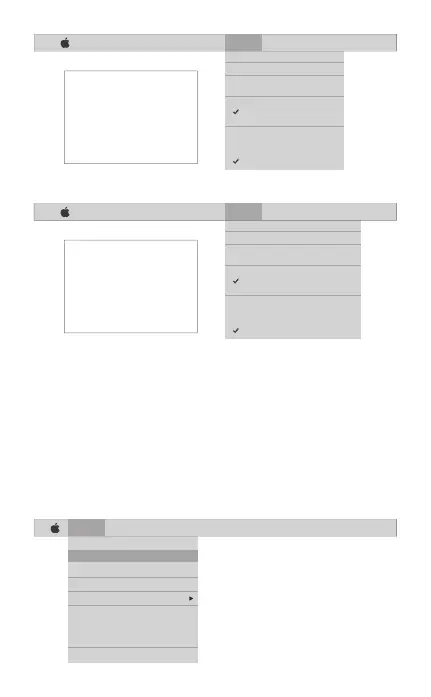
Sobald Sie Skype installiert und gestartet haben, wählen Sie
Präferenzen... Vom Skype-Menü in der oberen linken Ecke Ihres
Bildschirms (wie auf dem folgenden Foto):
Deutsch [ 33 ]
Skype File Edit View Window Tools Help
About Skype
Preferences...
Audio & Video Settings...
Check For Updates
Services
Hide Skype
Hide Others
Show All
Quit Skype
FaceTime File Edit Video Window Help
Mute
Always on Top
Use Landscape
Enter Full Screen
Camera
HD Webcam eMeet C980
FaceTime HD Camera
Microphone
Use System Setting
Internal Microphone
HD Webcam eMeet C980
If you`d like to use the webcam`s
microphone,please make sure
the HD Webcam eMeet C980
(UnderMicropho-nesection)is
selected. otherwise you may use
the Internal Microph-one.
FaceTime File Edit Video Window Help
Mute
Always on Top
Use Landscape
Enter Full Screen
Camera
HD Webcam eMeet C980 Pro
FaceTime HD Camera
Microphone
Use System Setting
Internal Microphone
HD Webcam eMeet C980 Pro
If you`d like to use the webcam`s
microphone,please make sure
the HD Webcam eMeet C980 Pro
(UnderMicropho-nesection)is
selected. otherwise you may use
the Internal Microph-one.


 To Next Page