..........................................................................................................................................................
2.0 SETTING UP YOUR WEBCAM
..........................................................................................................................................................
3.0 SETTING UP YOUR WEBCAM
3.1 For Mac OS X Users
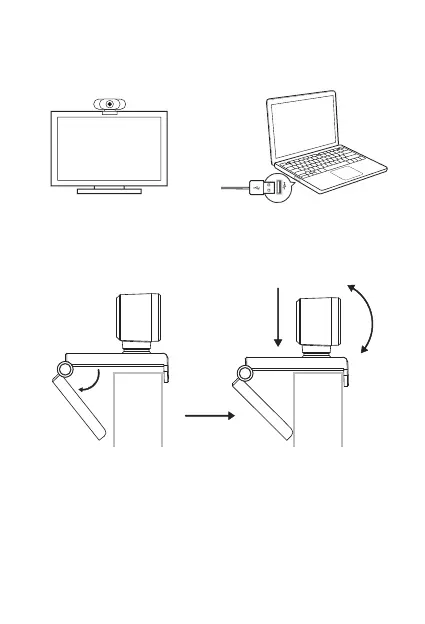
2.1 Place your webcam 2.2 Connect your webcam
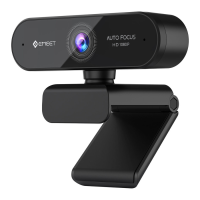
The eMeet Nova will be automatically installed when you connect it
to a Mac; no additional software is required. You will need to open
camera software such as Quick Time, Photo Booth, Skype or Face
2.3 For placement on the display:
Open the webcam clip, and follow the steps and methods shown in
the figure to place the webcam on the top of the display, please make
sure the clip is firmly mounted.
English [ 3 ]


 To Next Page