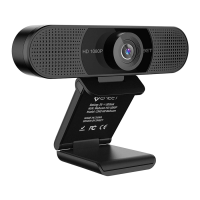
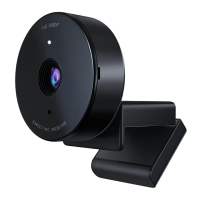
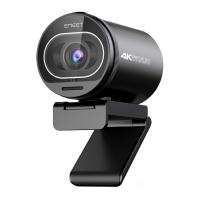
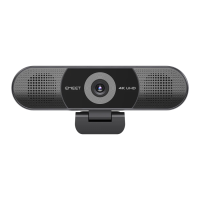
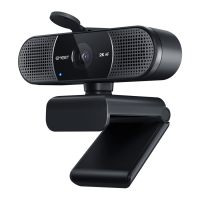
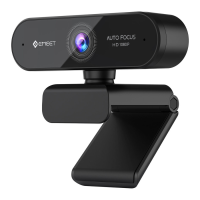
eMeet Nova:
Time to start streaming the video. Quick Time and Photo Booth are
preinstalled on all Macs as standard.
To check if the webcam is detected or not, you may click the Apple
Menu (in the top left corner of your screen) and then click About this
Mac. Click on System Report from the pop-up window that appears.
The System Information window for your Mac will appear. Navigate to
the USB Section and check to see if the webcam is listed as a
connected device (Show as “eMeet Nova”, like the photo below).
3.1.1 Photo Booth
Your system should automatically detect the Webcam in the Photo
Booth if it has no internal camera of its own. In rare cases where it
does not, please try disconnecting the camera and reconnecting it
once Photo Booth is already running, or you may try to restart your
Mac.
English [ 4 ]
USB Device Tree
ATA
Apple pay
Audio
Bluetooth
Camera
Card Reader
Controller
Diagnostics
Disc Burning
Ethernet Cards
Fibre Channel
FireWire
Graphics/Displays
Hardware RAID
Memory
NVMExpress
PCI
Parallel SCSI
Power
Printers
SAS
SATA/SATA Exoress
SPI
Storage
Thunerbolt
USB
Hardware
USB 3.0 Bus
eMeet Nova
USB 2.0 Hub
Network
Software


 To Next Page