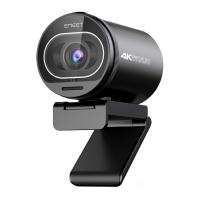
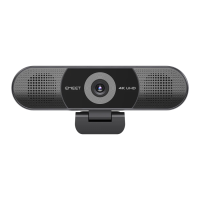
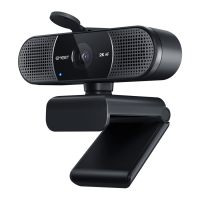
eMeet Nova:
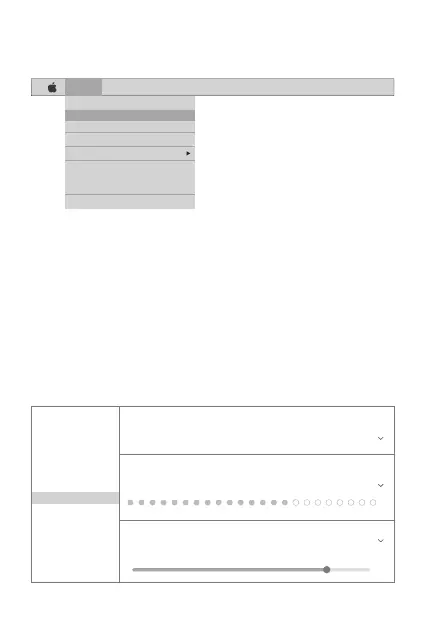
Once you have installed Skype and started it up, select Preferenc-
es... from the Skype menu in the top left corner of your screen (like
the photo below):
In the Audio/ Video tab , Select“eMeet Nova” in the Microphone
dropdown menu , select “eMeet Nova” in the Camera dropdown
menu .
We recommend the users uncheck the box below the Microphone
dropdown menu marked Automatically adjust microphone setting.
This option, when checked, can sometimes cause sound
interruptions during voice calls. Initially it is best to set the volume
slider a little less than halfway along the bar. You can adjust this
later to suit your preferences.
Remember to save your changes before closing the window.
English [ 6 ]
Skype File Edit View Window Tools Help
About Skype
Preferences...
Audio & Video Settings...
Check For Updates
Services
Hide Skype
Hide Others
Show All
Quit Skype
Settings
Account & Profile
General
Appearance
Audio & Video
Calling
Messaging
Notifications
Contacts
Help & Feedback
VIDEO
Camera eMeet Nova
AUDIO
Microphone eMeet Nova
Speakers Default device
0 1 2 3 4 5 6 7 8 9 10


 To Next Page