6
OPERATION
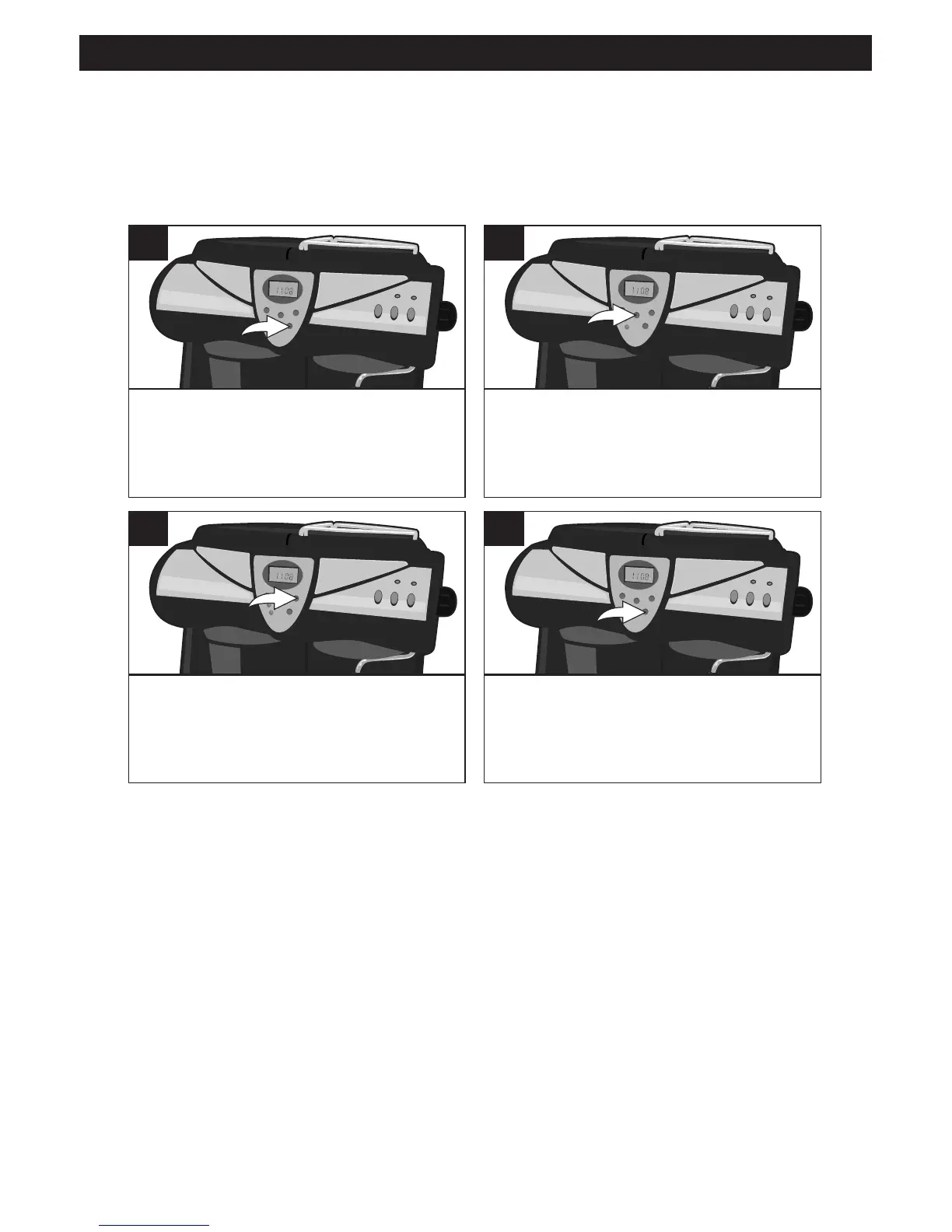
With the power off, press the PROG.
button once; CLOCK will appear in
the display.
1
PresstheHOURbuttontosetthe
present hour. Make sure the AM or
PM is set according to the current
time.
2
Press the MIN button to set the
present minute.
3
When done, press the PROG button
TWICE. Once set, the time will be
kept, unless there is a power failure
or the unit is unplugged.
4
SETTING THE CLOCK
The clock does not have to be set to brew coffee. However, to use the Auto
Timer, it must be set. When the power is first turned on, the clock will show
“12:00AM”.



 To Next Page