- 7 - EN
OPERATING CONTROLS AND FUNCTIONS
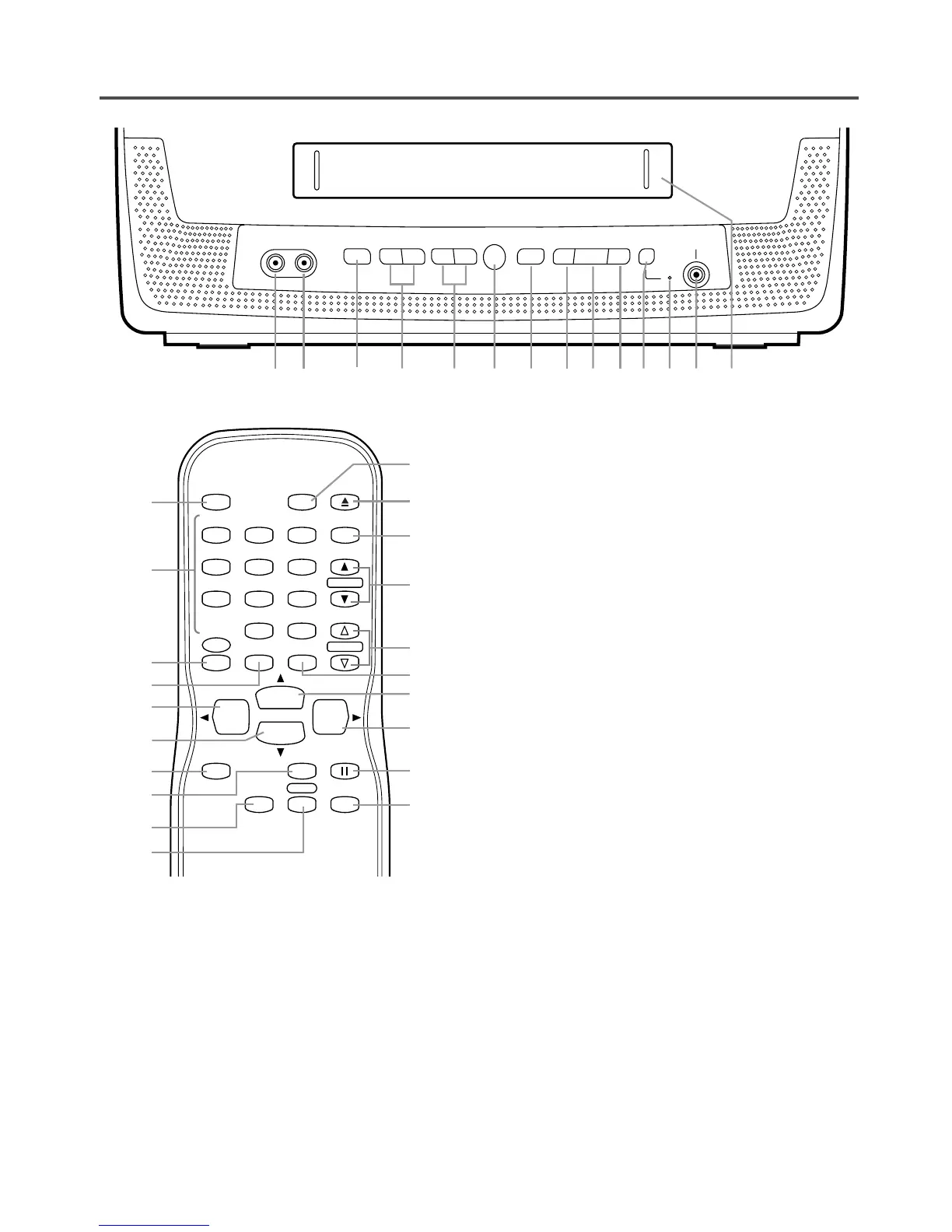
1 VIDEO input jack– Connect to the Video output
jack of a video camera or VCR.
2 AUDIO input jack– Connect to the Audio output
jack of an audio equipment, video camera or
VCR.
3 POWER button– Hit to turn the unit on and off.
Hit to activate timer recording.
4 VOLUME
XX
/
YY
buttons– Adjust the volume level.
5 CHANNEL
XX
/
YY
buttons– Press to select the
desired channels for viewing or recording.
TRACKING function– Press to minimize video
‘noise’ (lines or dots on screen) during playback
mode. (Refer to page 18.)
6 Remote Sensor Window– Receives the infrared
signals from the remote control.
- REMOTE CONTROL -
7 STOP/EJECT
PP NN
button– Hit to stop the tape
motion. Hit in the stop mode to remove the
cassette from the unit.
8 REW
bb
button– Hit to rewind the tape or to
view the picture rapidly in reverse during play-
back mode. (Rewind Search)
ss
button– (Remote control)
•
Hit to select a mode from the setting menu.
9 PLAY
OO
button– Hit to start playback.
K button– (Remote control)
•
Hit to select a mode or figure from the setting
menu.
10 F.FWD
aa
button– Hit to rapidly advance the
tape or to view the picture rapidly in forward dur-
ing playback mode. (Forward Search)
B button– (Remote control)
•
Hit to determine your selection and proceed to
the next step in the setting menu.
11
REC/OTR button – Hit to start manual recording.
Hit repeatedly to start One Touch Recording
(OTR).
12 Record indicator– Flashes during recording.
Lights up in the stand-by mode for Timer
Recording.
13 EARPHONE jack– Connects to earphones (not
supplied) for personal listening. The size of jack
is 1/8" (3.5mm) monaural.
14 Cassette compartment
15 Number buttons– Press to select desired chan-
nels for viewing or recording. To select a single-
digit channel, hit
[0] first and then [1] to [9].
+100 button– When selecting cable channels
which are higher than 99, hit this button first,
then press the last two digits. (To select channel
125, first hit [+100] button then hit [2] and [5].)
16 MENU button– Hit to enter or exit the setting
menu.
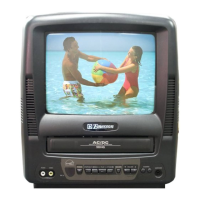
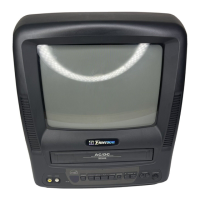
- TV/VCR FRONT PANEL -



 To Next Page