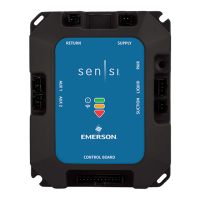
RSDA - 101
E000-0000-00A6-EB87
1. SETUP GATEWAY* CONFIRM WIFI AND NOTE EQUIPMENT DATA
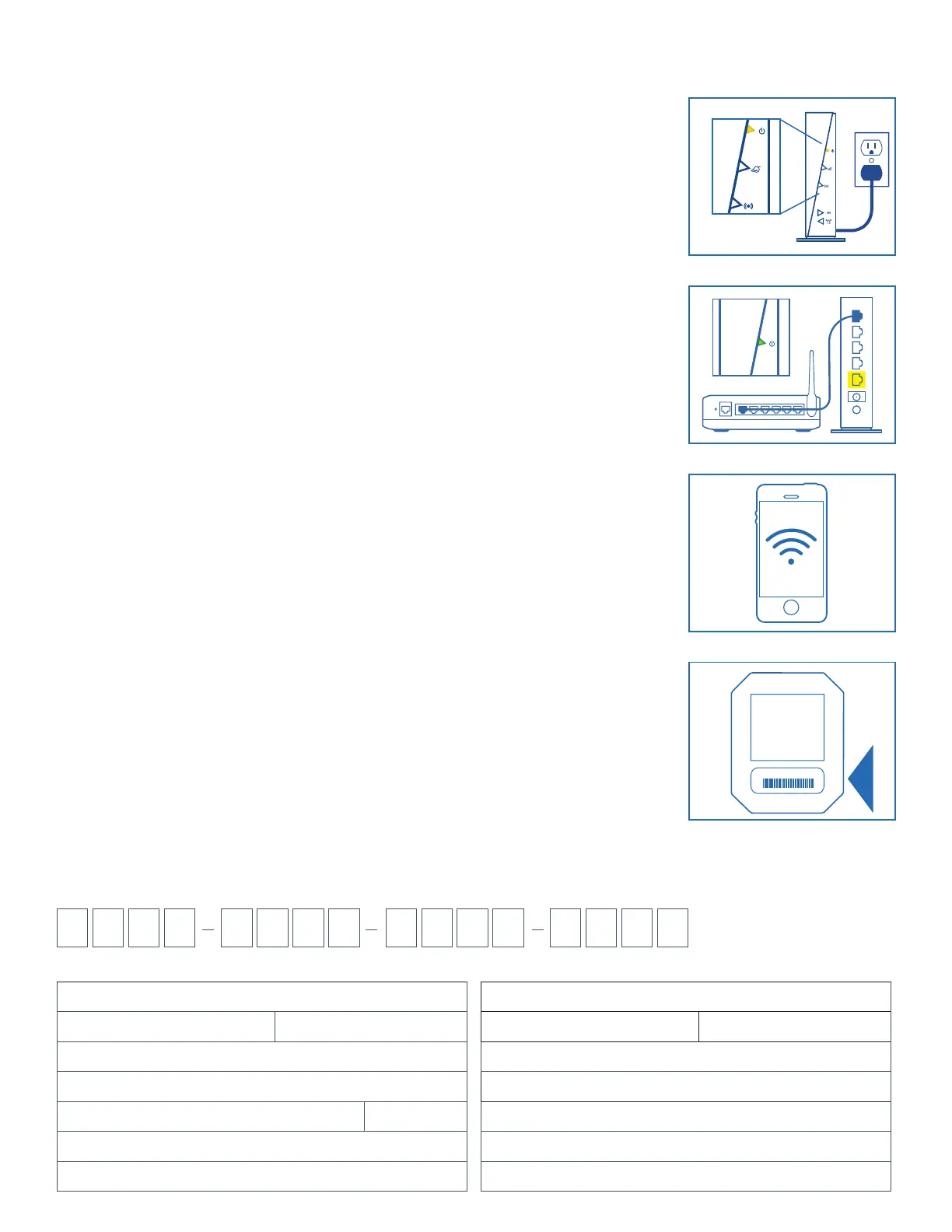
1. POWER THE SENSI PREDICT CONFIGURED GATEWAY
• Connect the Gateway power adapter to an outlet near the existing home router.
• Ensure the Gateway powers up.
2. CONNECT THE GATEWAY TO THE EXISTING HOME ROUTER
• Connect one end of the provided network cable to an open port on the Gateway.
• Connect the other end of the network cable to any open, numbered LAN port on
the existing home router.
NOTE: If homeowner has a cable or DSL modem with only one Network (LAN) port and no router, then a router
must be purchased and installed by the homeowner before install.
3. CHECK FOR WIRELESS SIGNAL AT THE FURNACE/AIR HANDLER
• Though the wireless network may be seen through your mobile phone or
tablet’s available Wi-Fi networks, it is important to check the desired wireless
signal strength using a mobile app showing “Received Signal Strength
Indication” or RSSI.
– For Android devices, use an app called Wifi Analyzer.
– For iOS (Apple) devices, use an app called Airport Utility and enable
the Wi-Fi scanner function through the settings app.
• Confirm the Gateway’s RSSI level stays in a range of -70 to 0 dBm at proposed
Data Hub mounting location.
• If the wireless signal level at desired Data Hub mounting location is too low,
you may need to consider alternate Data Hub mounting locations or Powerline
Extenders and Gateway to relocate a wireless network closer to Data Hub.
For more information on using these free apps or Powerline Extenders, visit
the Support section of the Sensi Predict Pro Portal, or call 1-877-424-1715.
4. WRITE DOWN THE ID FROM THE DATA HUB; YOU WILL NEED THIS
DURING ACTIVATION
The Data Hub ID (located on the back side, just above the barcode) has 16 alpha-
numeric characters.
You may also take a photo to reference later in the install.
INDOOR EQUIPMENT DETAILS
System Type
Brand Year of Install
Model Number
Serial Number
Output KBTU KW
Filter Type
Filter Size H= W= T=
OUTDOOR EQUIPMENT DETAILS
System Type
Brand Year of Install
Model Number
Serial Number
Refrigerant Type
SEER Rating
Tonnage
*Gateway is an optional accessory–if not used jump to step 3


 To Next Page
 Loading...