12
|
ENGLISH
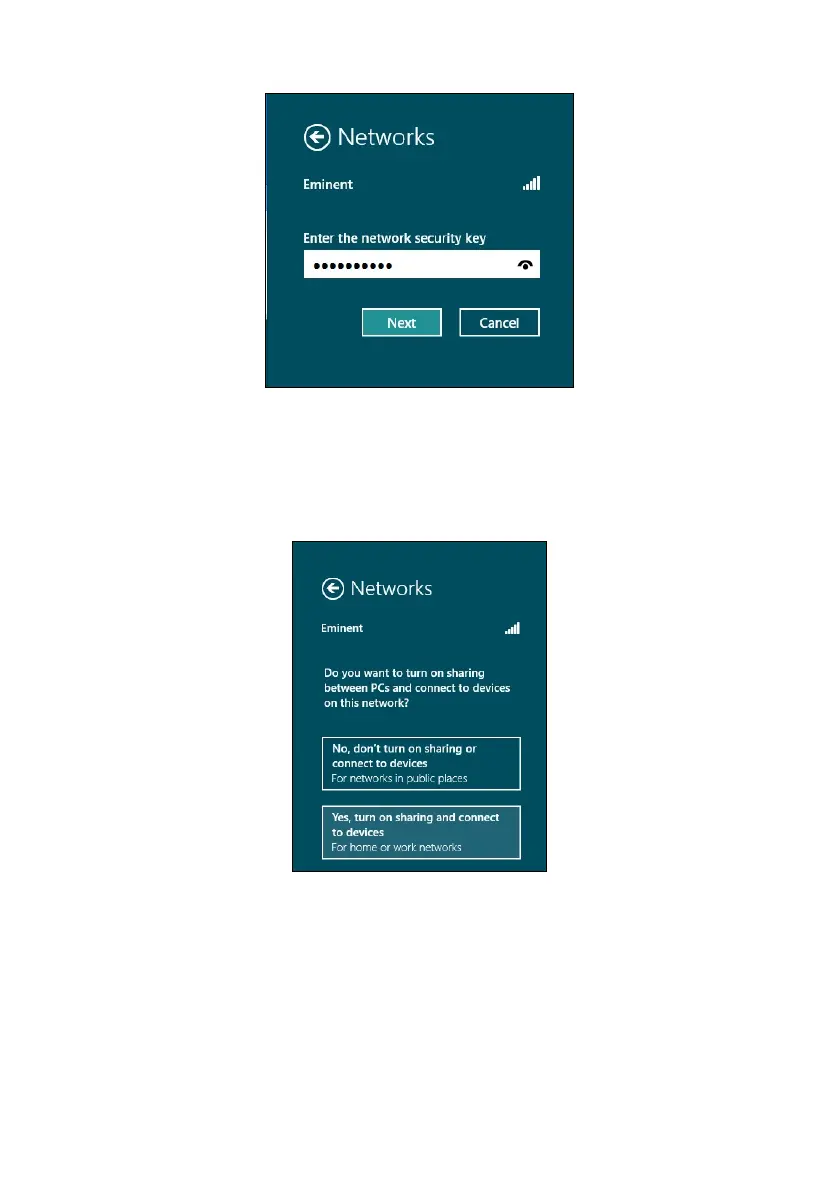
Image 15 - Connecting
4. If your wireless security key has been filled out correctly, Windows will ask you to
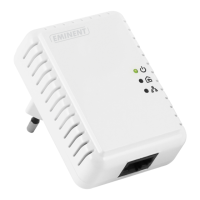
share your connection. Typically, most people will use the EM4587 in a home or
work environment, so you can choose the ‘Yes, turn on sharing and connect to
devices’ option, as shown in the following image:
Image 16 - Connecting
5. Your network will be connected, as shown in the following image:



 To Next Page