7
|
ENGLISH
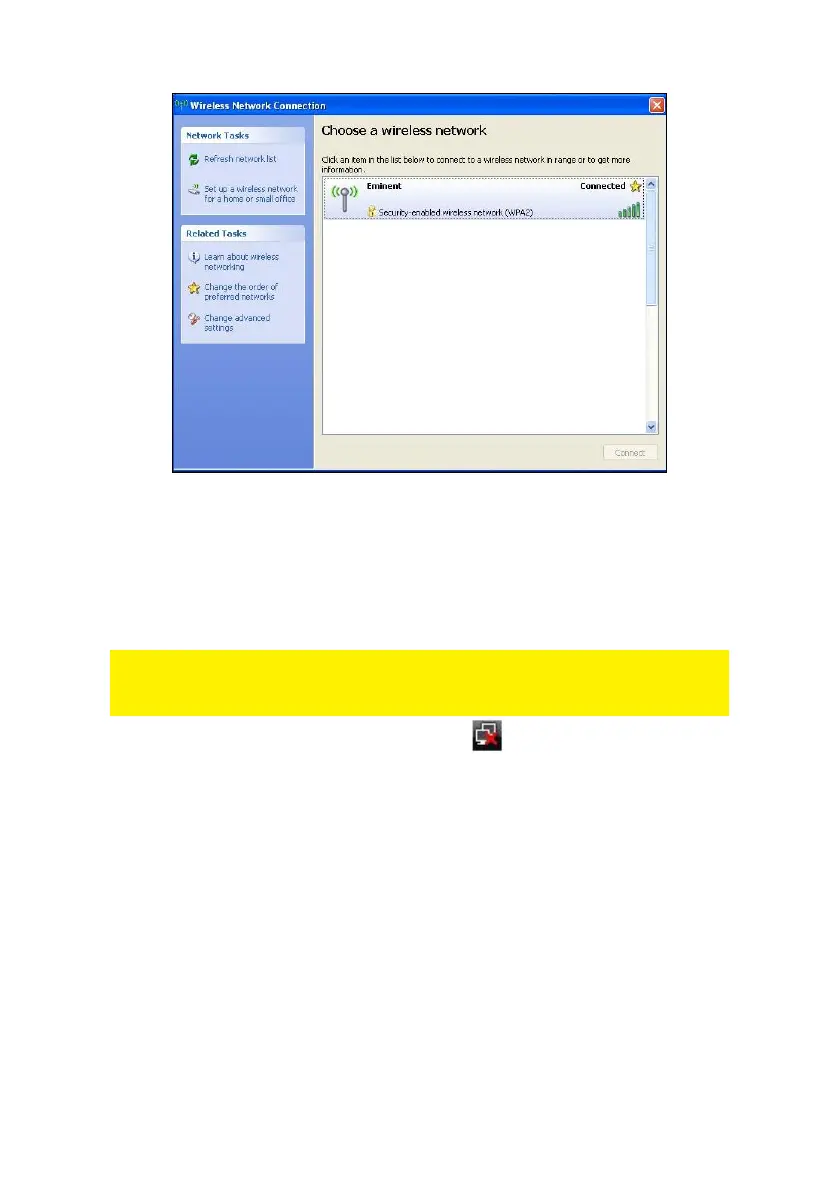
Image 7 - Connecting
6. You are now able to access the internet.
2.3 Connecting using the driver (WLAN AutoConfig)
Windows Vista
Note: Make sure the wireless router or wireless modem you want to connect to
already has a working internet connection. Also make sure you have the wireless
security key at hand.
1. If correct, an icon of the wireless connection ( ) will be added to your taskbar.
2. Click the icon.
3. A new pop up screen appears, which tells you wireless networks are available.
Choose ‘Connect to a network’ after which the available wireless networks will be
listed. Refer to the following image:



 To Next Page