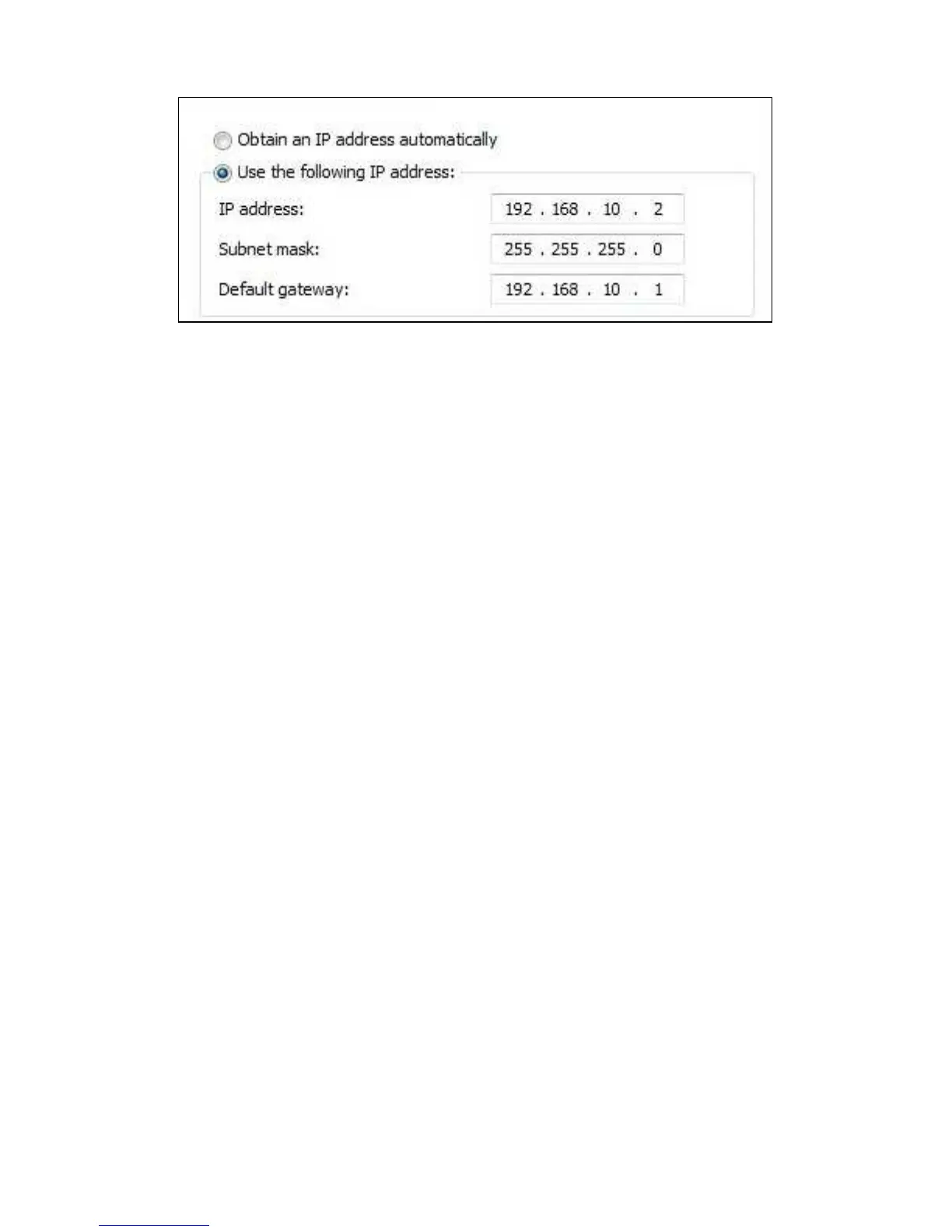
9. After filling out the IP-Address settings, click ‘OK’ and close the screen.
10. Open your computer’s web browser and fill out ‘http://192.168.10.1’ in the
address bar and press the ‘Enter’ key.
11. A username and password will be asked. Fill out ‘admin’ as username. Fill out
‘admin’ as password and login after which the following screen appears:



 To Next Page