7
|
ITALIANO
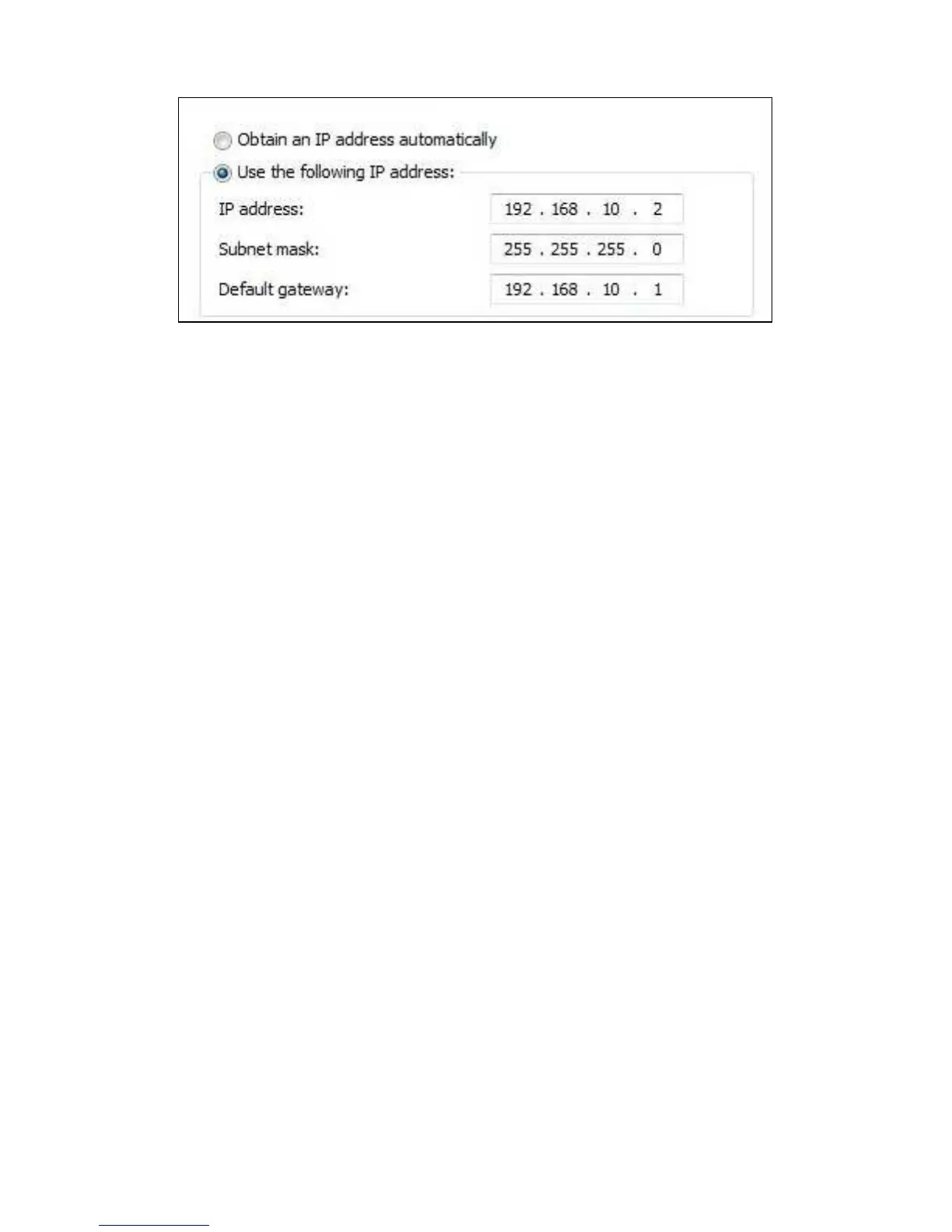
9. Una volta immesse le impostazioni dell'indirizzo IP, fare clic su ‘OK’ e chiudere la
schermata.
10. Aprire il browser web del computer e immettere ‘http://192.168.10.1’ nella barra
degli indirizzi, quindi premere il tasto ‘Invio’.
11. Vengono richiesti username e password. Immettere ‘admin’ come username.
Immettere ‘admin’ come password ed effettuare il login per visualizzare la
seguente schermata:



 To Next Page