3
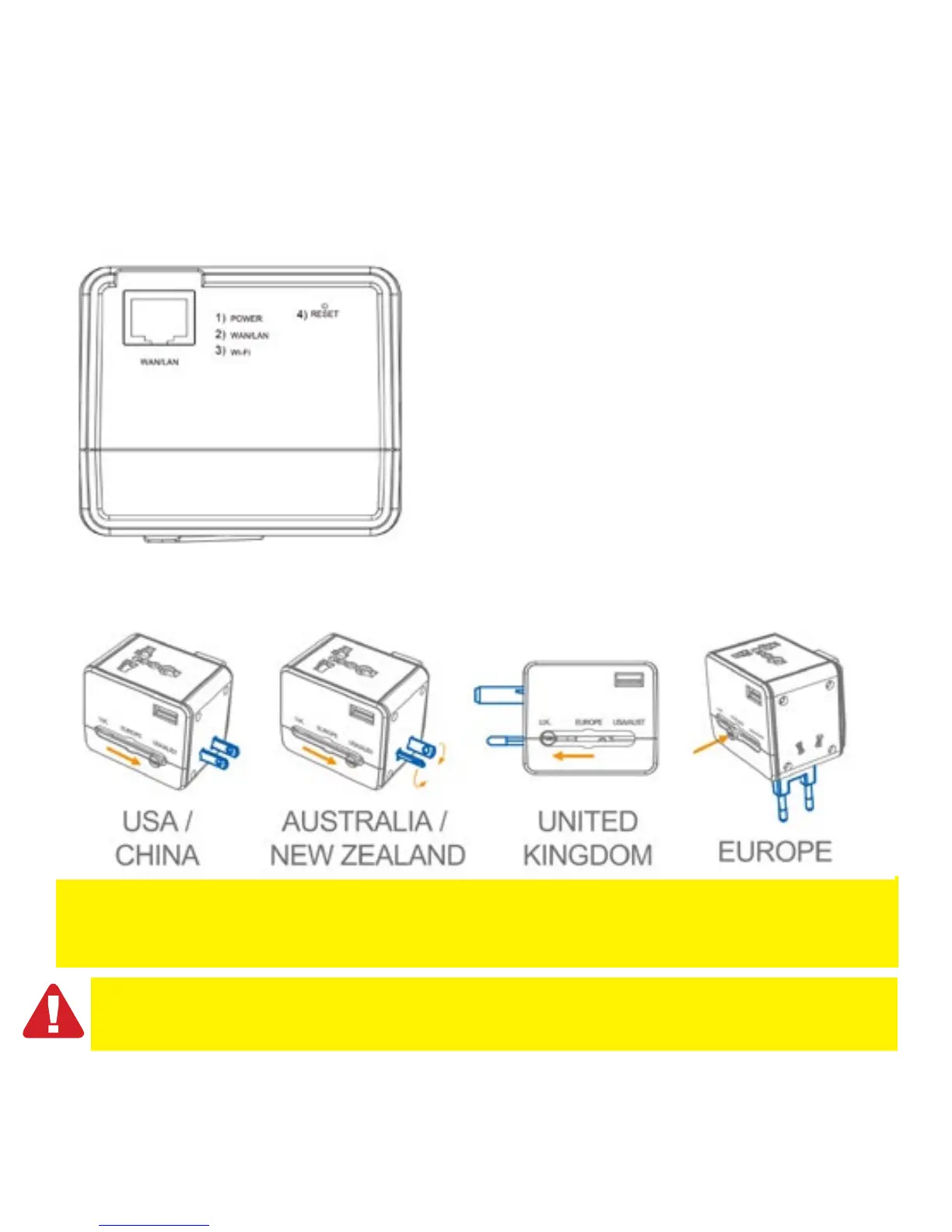
2.0 (EN) Interface & LED Indicator description
1) Power LED green: the power is on
2) LAN/WAN LED green: LAN/WAN port is working
3) Wi-Fi LED green: Wireless LAN is working
4) Reset: press the reset button for minimum of 6 seconds to
restore factory defaults.
Note: The EM4630 has no built-in converter. Only use devices that are compatible with the voltages of the
country you are staying. For example 110V devices do not work on a 230V power socket. Some devices
do support a voltage range from 100-240V.
The devices are protected by a built-in fuse of 6A. The fuse is not exchangeable. Once it’s blown the
device can no longer be used. A blown fuse will void the warranty.
2.1 Function of multi-national travel adapter



 To Next Page