3
|
ENGLISH
2.0 Connecting the Mini Powerline Adapters
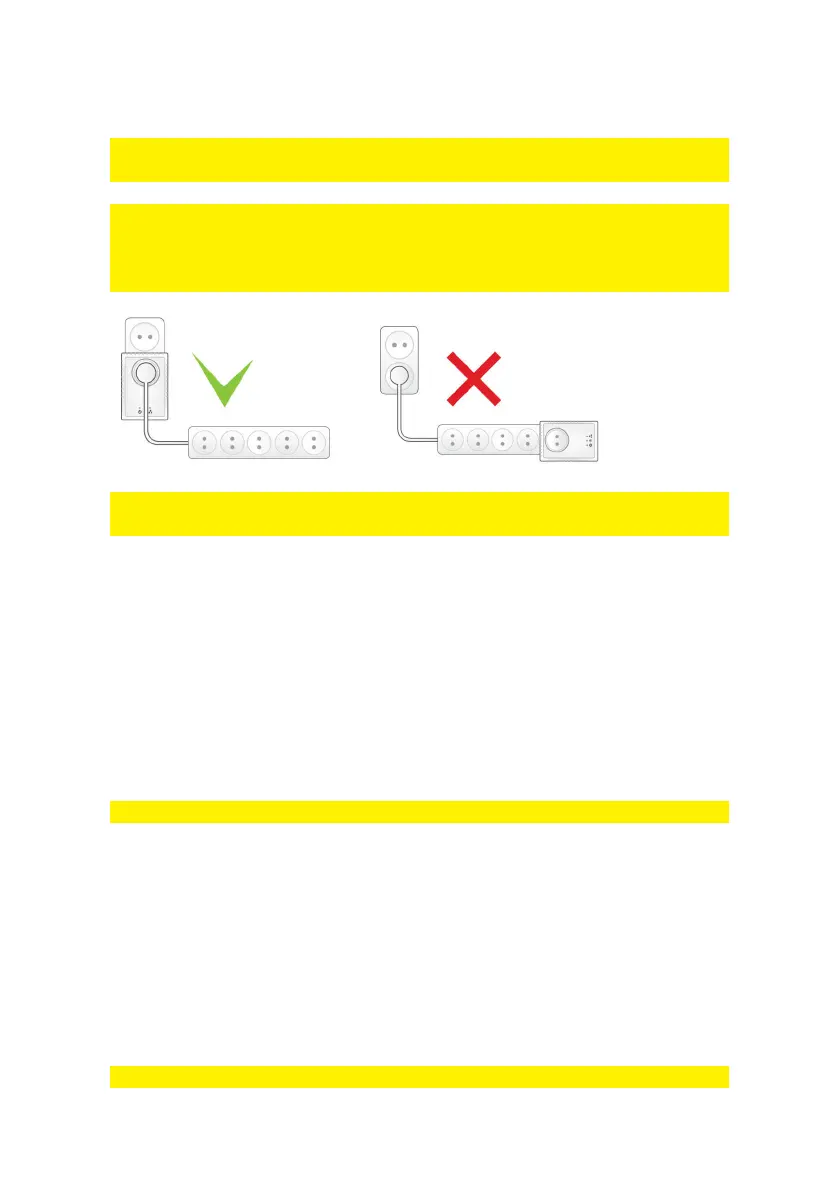
Note: For the best performance, connect the powerline adapters directly to the mains.
Don’t connect them to an extension cable or a power strip.
Note: The powerline adapters have an integrated power socket with noise filtering.
This filter prevents noise coming from connected devices disturbing the powerline
signals. Connect equipment to the integrated power socket (i.e. with a power strip) of
the powerline adapter, and not to the mains directly.
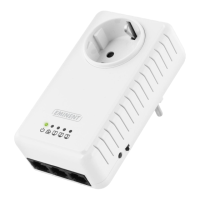
Note: Please make sure the ON/OFF switch on the right side of the adapter is in the
upper position, so the EM8038 is switched ON.
If you want to share the current internet connection with other computers, or if you
want to create your own network, the first step you need to take is connecting a
powerline adapter to your computer. Use the following steps to connect a powerline
adapter to your computer:
1. Take the powerline adapter out of the packing.
2. Connect the supplied network cable to the network connection of your computer.
3. Connect the other end of the supplied network cable to the LAN connection of the
powerline adapter.
4. Connect the powerline adapter to a wall outlet.
Note! You can connect up-to three network devices to the EM8038!
Now the powerline adapter has been connected to your computer, you need to
connect another powerline adapter to a free LAN port of your (modem)router. Use the
following steps to connect a powerline adapter to your (modem)router:
1. Take the powerline adapter out of the packing.
2. Connect the supplied network cable to a free LAN connection of your
(modem)router.
3. Connect the supplied network cable to the LAN connection of the powerline
adapter.
4. Connect the powerline adapter to a wall outlet.
Note: You can connect a maximum of 16 Mini Powerline adapters in your network.


 To Next Page