Low-power controls.
When controls have week batteries, they insert a "99-code" just before their control number. The MTR4
prints this 99-control number as an ordinary control just after the control with low battery. The control-
counter in the first field of the printout will in such case be too high.
TheEPR-3 thermal printer
The Emit EPR-3 is a compact and lightweight portable thermal printer with an RS232 serial interface via a
6-pin PS/2 (Mini-DIN) style connector. It is powered from an environment friendly, replacable7,2V Ni-MH
battery pack. Average printing speed is 12 lines per second and paper width is 57 or 58mm. Operating range
is 0 to +50 degrees C.
Paper-out detection
The printer will automatically detect when the paper has run out and the red ERROR-LED will blink
rapidly. After replacing the paper, the printer will continue to print all data in its 10K buffer. This is
sufficient to hold print-data for about 20 E-cards (with 20 controls each). One should NOT power off the
printer during replacement of the paper as the print-data then will be lost (but the MTR4 keeps the data, so
spooling to PC will still work).
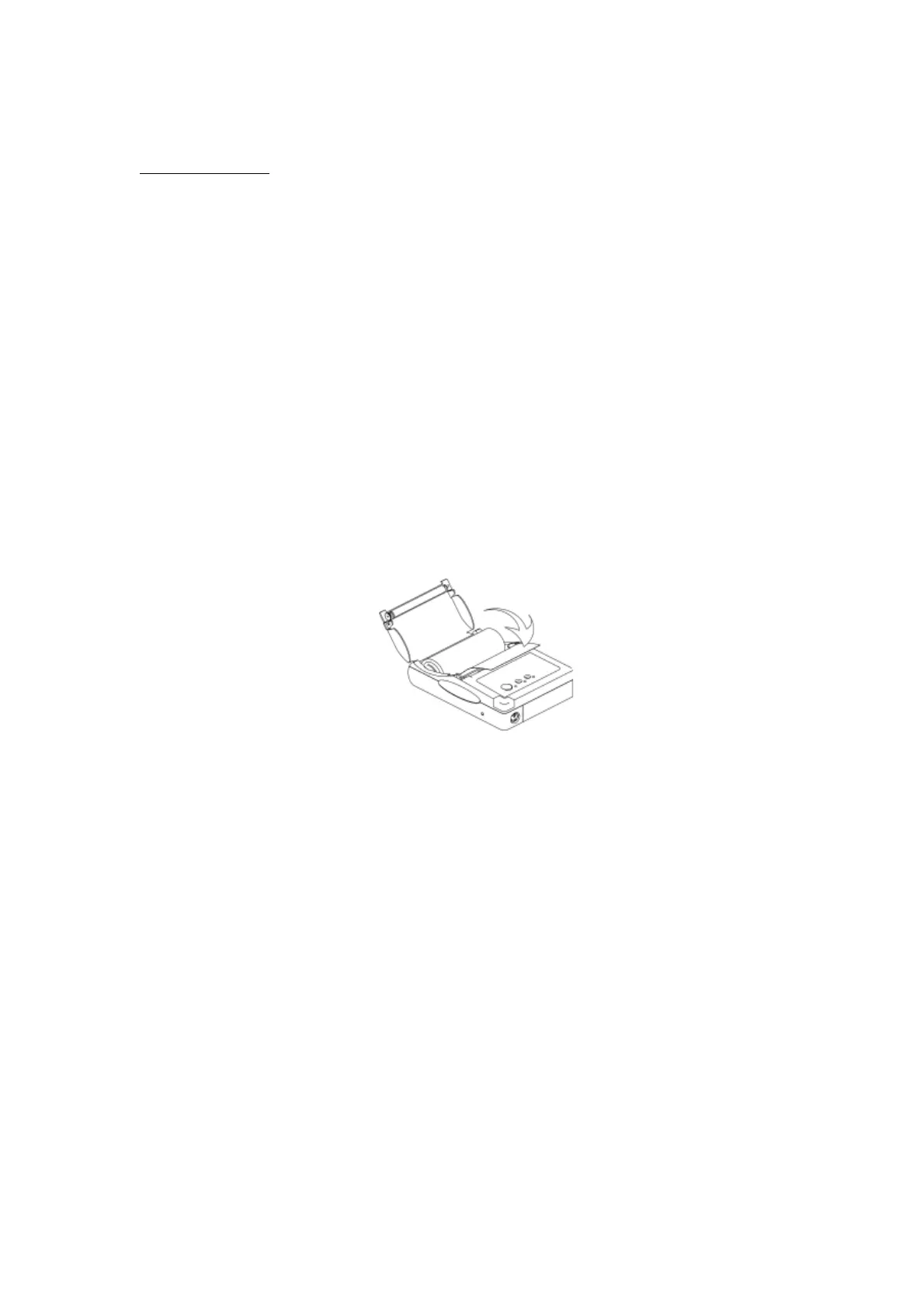
Inserting new paper.
Note that maximum roll-diameter for EPR-3 is 40 mm.
The printer has a "clam-shell design" making it very easy to change paper. The paper roll is inserted into the
compartment, and the end of the paper is extended outside the printer while closing the cover.
Charging the battery
The power-adapter will normally charge an empty battery full in approximately 4 to 5 hours. The adapter
shows a steady red-light when charging the printer. When fully charged it will change to a green light.
However, several tests indicate that the charger switches to a green light before the battery is fully charged.
To ensure that the battery actually is fully charged, we recommend that the battery is charged for 10-12
hours. This will not harm the battery in any way.
Battery-capacity
A new and full battery pack has sufficient power to print continuously for approximately 1 hour. When
battery level becomes low the green power-LED will blink red while printing, indicating that battery should
be changed or charged. One hour of printing is approximately printing of 1200 E-cards with 15 punches.
Power On Self-Test
The self-test procedure is initiated by turning on the printer with the FEED button pressed.
Release the feed button and the self-test procedure will start. This will check most of the printer functions
and also print the firmware version and protocol in use. The protocol should show:
MODE = RS-232C.
SERIAL = 9600 BAUD
8 DATA BIT
NO PARITY
1 STOP BIT
Resetting the protocol.



 To Next Page
 Loading...