Centrale digitale terretre programmabile / Digital terrestrial programmable headend
When rotating the button, you scroll
through the different screens.
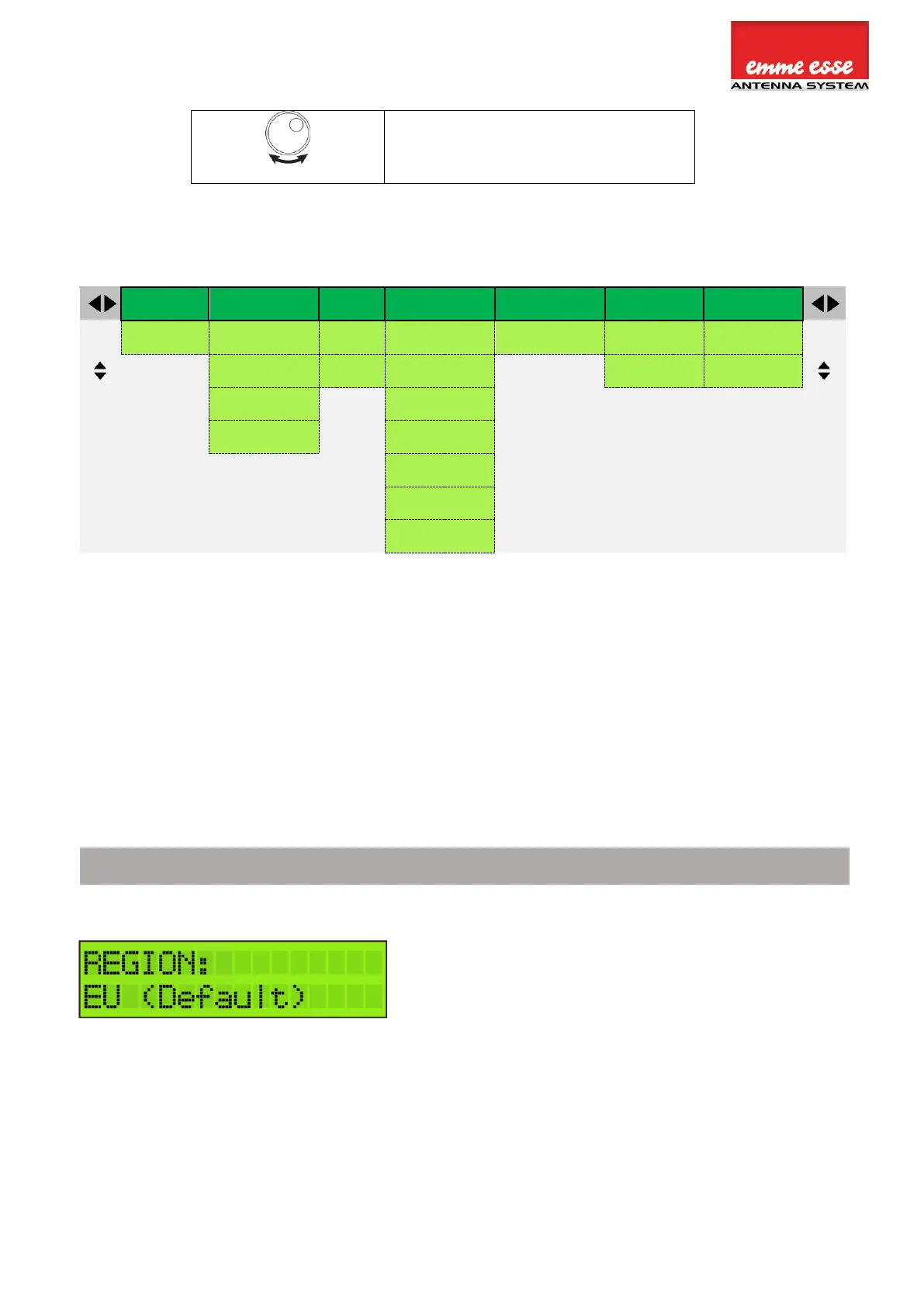
MENU OVERVIEW
INPUT V/U 1 – 4
Ingresso V/U 1-4
LOAD SD PRESET
Carica dati SD
SAVE SD PRESET
Salva dati SD
PRE-AMPLIFIER
Preamplificatore
CREATE PRESET
Crea config.
DELETE ALL
Cancella tutto
ADD 1 CHANNEL
Aggiungi 1 canale
ADD 2 CHANNELS
Aggiungi 2 canali
SERIAL NUMBER
Numero seriale
FORMAT CARD
Formatt. SD card
RESET AND COUNTRY SETTINGS
IMPORTANT! Before starting the configuration, it is advised to set the correct region or
country. Unpower the unit, push the button and keep pushing the button while you repower
the unit. Release the button when the display shows “RESET FINISHED”. Now the product is
reset and will ask you to enter country or area. This will amongst others determine the channel
plan for VHF and UHF and the DC voltage for the inputs (12 or 24V).
To activate the correct channel frequency plan, select
the country or region where Domino TV organizer is
situated. Rotate to select and confirm by tapping the
rotary button.
Italy is the default setting. If you need to change, reset
the headend and choose between the following
countries/regions: Australia, Brazil, China, Europe,
Hongkong, Italy, New-Zealand, Russia, South Africa, UK
and USA.
All the following menu items can be accessed without the reset procedure.
Push the rotary button for 2 seconds to access the menu



 To Next Page