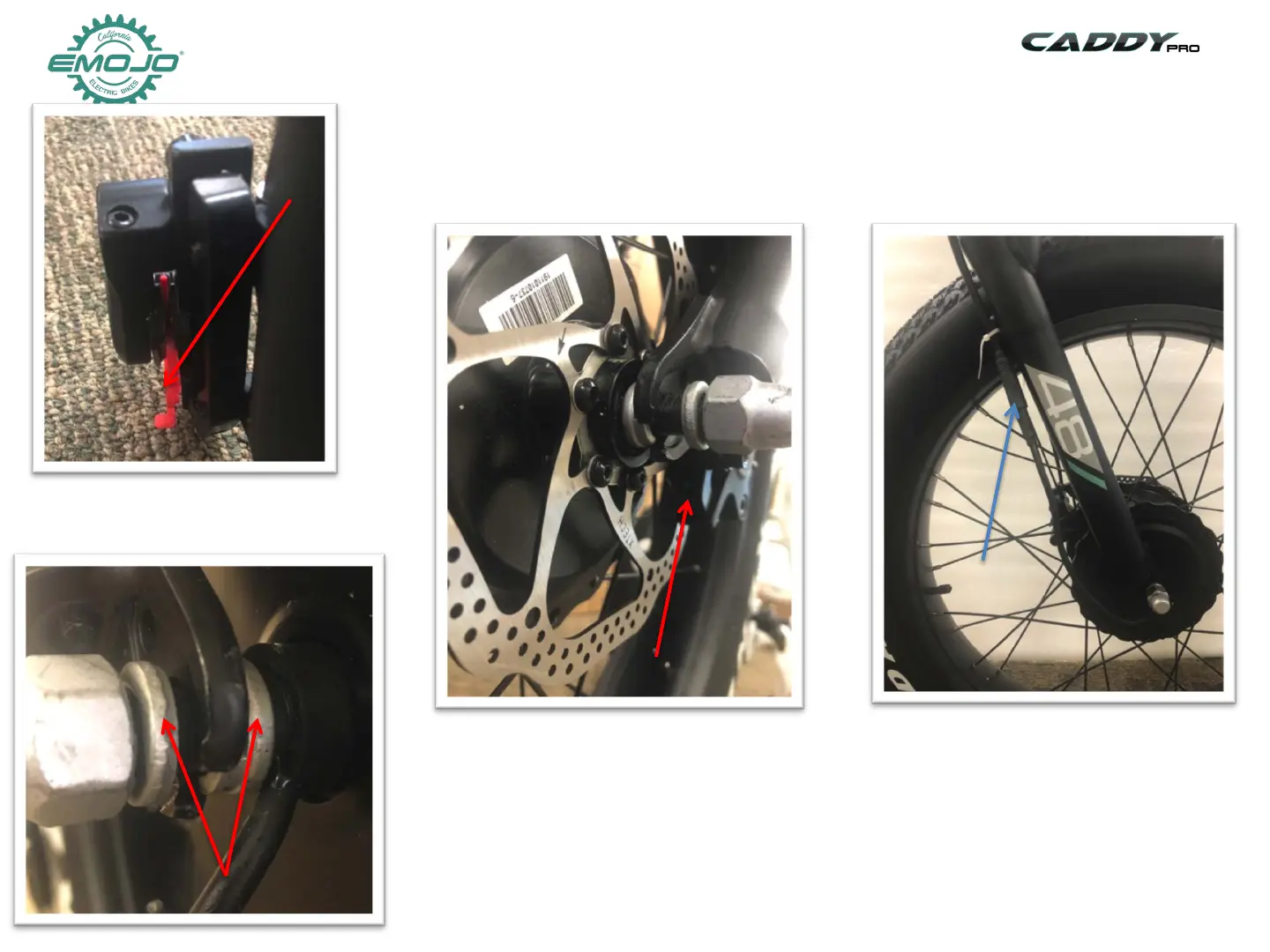
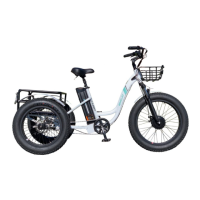
STEP 5: Install the front wheel
1-Remove the red plastic protector from the
front brake
3-Insert the front tire into the fork, the
disc needs to slide into the brake caliper.
2-Make sure to have the spacer
washers on both sides between the fork
4-Connect the motor cable on
the right side of the fork.


 To Next Page